My AirPods Case Light Stayed Off and My Commute Got Silent
AirPods case not charging? Clean lint from the port and contacts, test another cable and outlet, check the status light, and reset before booking a repair.
“Almost cried fixing my own house. Learned to read every quote instead.”
Theology · Scripture Cards
Open a scripture card
Already read and shared by 315 people.
 He Is Not Here, He Has Risen
Matthew 28:5-6
The angel answered the women, “Don’t be afraid, for I know that you seek Jesus, who has been crucified. He is not here, for he has risen…
Read this card
 The Rainbow Covenant
Genesis 9:13, 16
I set my rainbow in the cloud, and it will be a sign of a covenant between me and the earth. … The rainbow will be in the cloud. I will…
Read this card
 I Am the Light of the World
John 8:12
Again, therefore, Jesus spoke to them, saying, “I am the light of the world. He who follows me will not walk in the darkness, but will have…
Read this card
 Enter His Gates with Thanksgiving
Psalm 100:4-5
Enter into his gates with thanksgiving, and into his courts with praise. Give thanks to him, and bless his name. For Yahweh is good. His…
Read this card
 I Am with You Always
Matthew 28:20
teaching them to observe all things that I commanded you. Behold, I am with you always, even to the end of the age.” Amen.
Read this card
 Daughter, Your Faith Has Healed You
Mark 5:34
He said to her, “Daughter, your faith has made you well. Go in peace, and be cured of your disease.”
Read this card
 I Am with You
Genesis 28:15
Behold, I am with you, and will keep you, wherever you go, and will bring you again into this land. For I will not leave you until I have…
Read this card
 Take Heart, It Is I
Matthew 14:27, 31
But immediately Jesus spoke to them, saying, “Cheer up! It is I! Don’t be afraid.” … Immediately Jesus stretched out his hand, took hold of…
Read this card
Key Takeaways
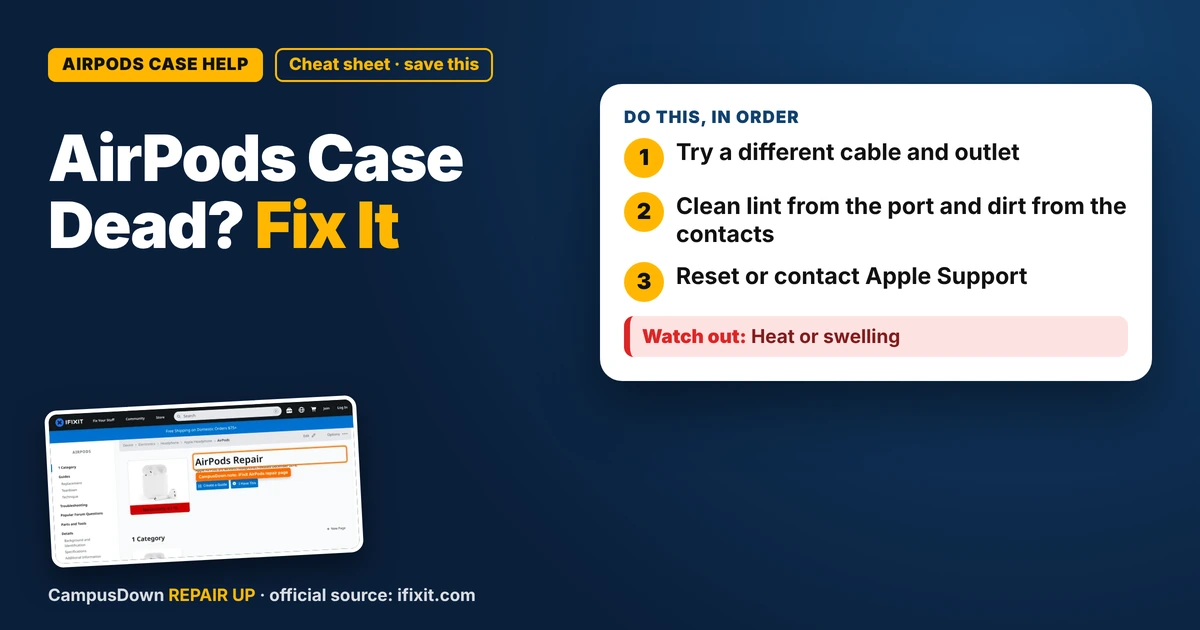
- Try a different cable and outlet.
- Clean lint from the port and dirt from the contacts.
- Reset or contact Apple Support.
My AirPods are how I survive the bus, the library, and the gym. So when I plugged in the case and the light stayed off, I felt personally attacked. If your AirPods case is not charging, the most common reasons are lint in the port, a bad cable, or dirty contacts. Most of these you can fix at your desk in a few minutes.
Step 1: Check the cable and power
- Try a different cable. Cables fail a lot, especially near the ends.
- Plug into a wall adapter instead of a laptop.
- Try a different outlet.
- If your case supports wireless charging, try that as a test.
Step 2: Clean the port
Pocket lint loves charging ports.
- Shine a flashlight into the port.
- Gently remove lint with a wooden toothpick or a dry soft brush.
- Never use metal or anything wet.
Step 3: Clean the contacts
Inside the case, there are small metal contacts where the earbuds sit. If they're dirty, the earbuds won't charge even if the case does.
- Use a dry cotton swab to wipe the contacts gently.
- Wipe the bottom of the AirPods stems too.
- Don't use liquid in the case.
Step 4: Reset the AirPods
Apple has official reset steps for AirPods, usually involving holding the button on the back of the case with the lid open. Follow the steps on Apple's support site for your model. You'll need to pair them again afterward.
When it's a repair
If none of that works, the case battery or port might be failing. iFixit's AirPods page shows why AirPods are tricky to repair: they're glued and tiny. Apple Support can check them, and replacement cases are sometimes an option. Check whether you have warranty coverage.
Why tiny devices die at the worst time
We rarely check charging until we're about to leave. That's planning fallacy: we assume we'll have time. Assuming a weird light means nothing is optimism bias. Checking the cable and lint first is Occam's razor.
Budget backup options
If your case is dead and a replacement isn't in the budget yet, keep cheap wired earbuds in your bag. Many phones need an adapter for wired headphones, so check what yours needs. Your campus library or IT desk might also have loaner headphones for study rooms. It's not glamorous, but it beats a silent commute.
Habits that keep your case healthy
- Keep the case in a clean pocket or a small case cover.
- Clean the port every few weeks.
- Avoid leaving it in hot cars.
- Use a decent cable.
- Don't let the battery sit fully drained for long periods.
Lost or stolen?
If a single AirPod or the case goes missing, check Find My on your iPhone. It can sometimes show the last known location. Apple support can tell you about replacement options for a single earbud or case.
If this saved you a headache, it might save a friend one too.
Pick an app — it just sends the link, nothing else.
Frequently Asked Questions
Why is my AirPods case not charging?
Lint in the port, a bad cable, dirty contacts, or a worn battery are common reasons.
How do I clean my AirPods charging port?
Gently use a wooden toothpick or dry soft brush. Avoid metal and liquids.
How do I reset my AirPods?
Follow Apple's official reset steps for your model, usually involving the button on the back of the case.
Can AirPods cases be repaired?
They're hard to repair. Apple Support can check them and suggest replacement options.