My Android Phone Suddenly Charges Like It's Sipping Through a Tiny Straw
Android phone charging slowly all of a sudden? Clean the port, swap the cable and adapter, check battery settings and apps, and spot a battery that's worn out.
“Almost cried fixing my own house. Learned to read every quote instead.”
Theology · Scripture Cards
Open a scripture card
Already read and shared by 315 people.
 I Know That My Redeemer Lives
Job 19:25
But as for me, I know that my Redeemer lives. In the end, he will stand upon the earth.
Read this card
 The Kingdom Belongs to Such as These
Mark 10:14, 16
But when Jesus saw it, he was moved with indignation and said to them, “Allow the little children to come to me! Don’t forbid them, for…
Read this card
 Not My Will, but Yours
Luke 22:42
saying, “Father, if you are willing, remove this cup from me. Nevertheless, not my will, but yours, be done.”
Read this card
 Listen to Him
Matthew 17:5
While he was still speaking, behold, a bright cloud overshadowed them. Behold, a voice came out of the cloud, saying, “This is my beloved…
Read this card
 I Am the Resurrection and the Life
John 11:25-26
Jesus said to her, “I am the resurrection and the life. He who believes in me will still live, even if he dies. Whoever lives and believes…
Read this card
 Let There Be Light
Genesis 1:3-4
God said, “Let there be light,” and there was light. God saw the light, and saw that it was good. God divided the light from the darkness.
Read this card
 Be Strong and Courageous
Joshua 1:9
Haven’t I commanded you? Be strong and courageous. Don’t be afraid. Don’t be dismayed, for Yahweh your God is with you wherever you go.”
Read this card
 The Lord Will Provide
Genesis 22:14
Abraham called the name of that place “Yahweh Will Provide”. As it is said to this day, “On Yahweh’s mountain, it will be provided.”
Read this card
Key Takeaways
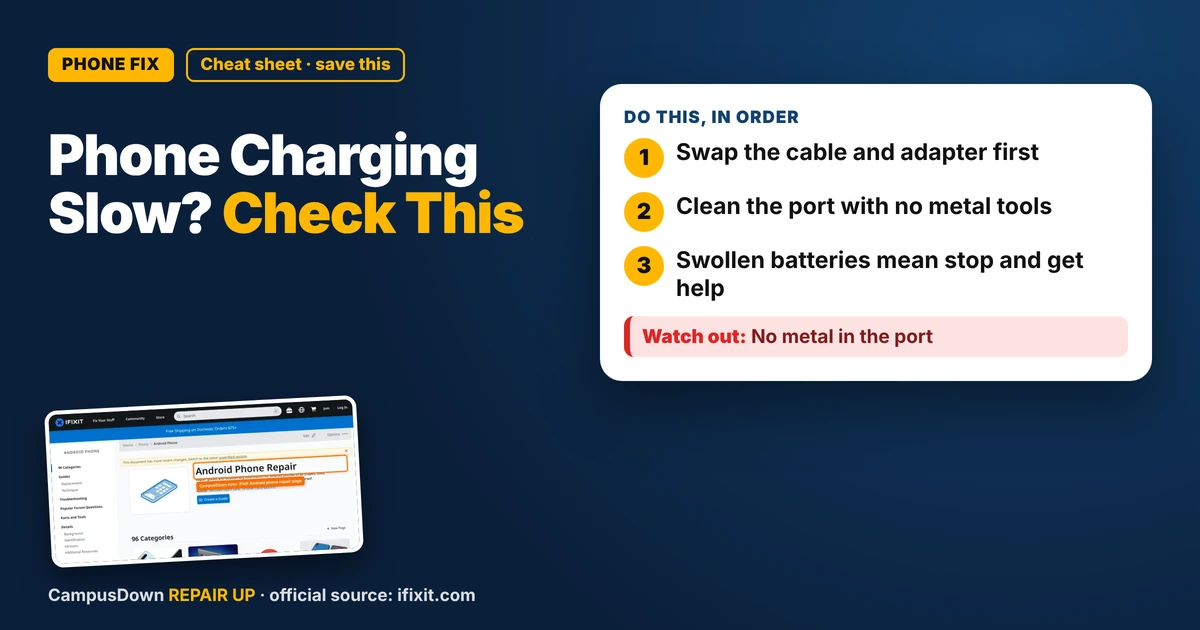
- Swap the cable and adapter first.
- Clean the port with no metal tools.
- Swollen batteries mean stop and get help.
You plug in at night, wake up, and you're at a sad percentage. Or you plug in for an hour before class and gain barely anything. If your Android phone is charging slowly all of a sudden, something changed: the cable, the port, the adapter, the battery, or what's running on the phone. Let's find out which, cheapest first.
Step 1: Swap the cable and adapter
- Try a different cable.* Cables wear out, especially near the ends where they bend.
- Try a different power adapter.* A weak laptop USB port or old adapter charges slower than a wall adapter made for your phone.
- Try a different outlet.* Simple, but it rules out the outlet.
If a different cable fixes it, you found it. That's the cheapest fix there is.
Step 2: Check the port for lint
Pockets are lint factories, and that lint packs into the charging port. A packed port can keep the cable from seating fully.
- Turn off the phone.*
- Shine a flashlight into the port and look.
- Use a wooden or plastic toothpick to gently loosen lint. Go slow and don't scrape the pins.
- A gentle puff of air can help.
Step 3: Check what's running
- Screen brightness and heavy apps* can eat battery while charging. Lock the screen while it charges.
- Check battery usage* in Settings to see if one app is draining a lot.
- Restart the phone.* It clears stuck processes.
- Install system updates.* They sometimes fix battery and charging bugs.
Step 4: Look at battery health
Batteries wear out over time. Some Android phones show battery health or info in Settings. If yours is older and the battery drains fast and charges slow, it may be worn. iFixit's Android phone page has repair guides by model, including battery replacements.
Why we don't notice
Getting used to slower charging over time is hedonic adaptation. Grabbing the same fraying cable every night out of habit is status quo bias. And blaming the phone instead of the bargain cable is the availability heuristic: you remember the phone, not the cable.
Budget tips for better charging
- Get one decent cable and adapter that support your phone, rather than many cheap ones.
- Don't let the cable dangle from the port under tension.
- Charge before you're at 1% when you can.
- Keep a short spare cable in your backpack.
- Check whether your campus has charging stations in the library or student center.
When to get it repaired
If the port is loose, damaged, or the phone still won't charge properly after the basics, a repair shop can check the port or battery. Check warranty or carrier protection first if you have it.
Found this helpful? Share it with a friend who’s dealing with the same mess.
Pick an app — it just sends the link, nothing else.
Frequently Asked Questions
Why is my Android phone suddenly charging slowly?
A worn cable, weak adapter, lint in the port, heat, heavy apps, or an aging battery are common causes.
How do I clean my phone's charging port?
Turn off the phone and gently loosen lint with a wooden or plastic toothpick. Avoid metal.
Does heat affect charging speed?
Many phones slow charging when hot. Remove thick cases and avoid hot spots.
When should I replace my phone battery?
If it drains fast, charges slowly, and is older, check battery info and repair options.