My Speaker Refused to Pair Right Before the Rooftop Hangout
Bluetooth speaker won't pair with your phone? Forget the device, clear old pairings, charge it, reset it, and cut interference before you buy a new speaker.
“Almost cried fixing my own house. Learned to read every quote instead.”
Theology · Scripture Cards
Open a scripture card
Already read and shared by 315 people.
 The Lord Will Fight for You
Exodus 14:13-14
Moses said to the people, “Don’t be afraid. Stand still, and see the salvation of Yahweh, which he will work for you today; for you will…
Read this card
 Surely I Will Be with You
Judges 6:16
Yahweh said to him, “Surely I will be with you, and you shall strike the Midianites as one man.”
Read this card
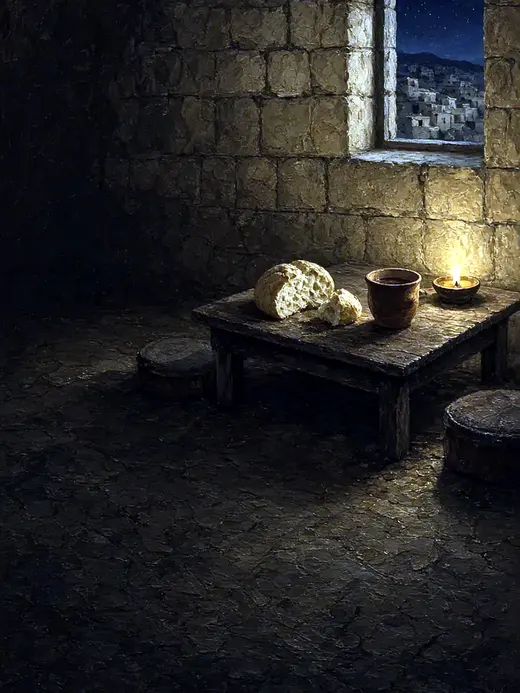 The New Covenant in My Blood
Luke 22:19-20
He took bread, and when he had given thanks, he broke and gave it to them, saying, “This is my body which is given for you. Do this in…
Read this card
 Listen to Him
Matthew 17:5
While he was still speaking, behold, a bright cloud overshadowed them. Behold, a voice came out of the cloud, saying, “This is my beloved…
Read this card
 I Am with You Always
Matthew 28:20
teaching them to observe all things that I commanded you. Behold, I am with you always, even to the end of the age.” Amen.
Read this card
 I Am the Light of the World
John 8:12
Again, therefore, Jesus spoke to them, saying, “I am the light of the world. He who follows me will not walk in the darkness, but will have…
Read this card
 God Shut the Lions’ Mouths
Daniel 6:22
My God has sent his angel, and has shut the lions’ mouths, and they have not hurt me, because innocence was found in me before him; and…
Read this card
 Your God, My God
Ruth 1:16
Ruth said, “Don’t urge me to leave you, and to return from following you, for where you go, I will go; and where you stay, I will stay.…
Read this card
Key Takeaways
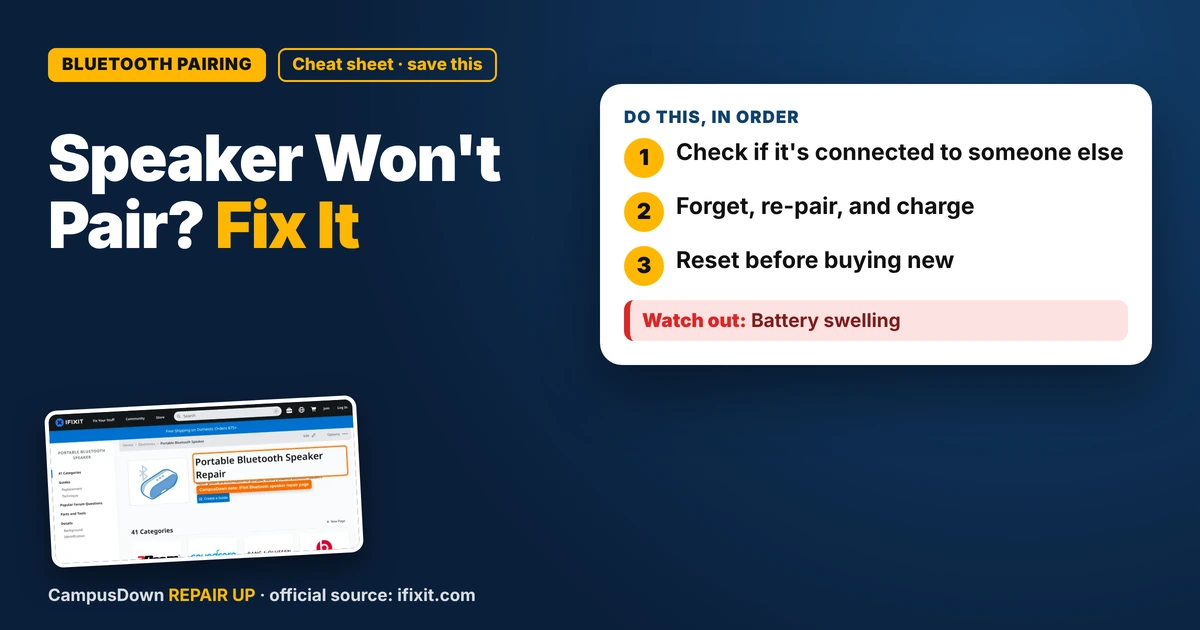
- Check if it's connected to someone else.
- Forget, re-pair, and charge.
- Reset before buying new.
Small rooftop hangout, snacks ready, playlist ready. My Bluetooth speaker? Blinking blue forever and refusing to connect. If your Bluetooth speaker won't pair with your phone, it's usually old pairings, low battery, or the speaker being stuck connected to another device. Here's how to fix it fast.
Step 1: Is it connected to someone else?
Speakers often reconnect to the last device they paired with. If your roommate used it, it might be connected to their phone. Turn off Bluetooth on other nearby devices or ask them to disconnect.
Step 2: Forget and re-pair
- On your phone, go to Bluetooth settings.
- Find the speaker and tap "Forget" or "Unpair".
- Turn Bluetooth off and on.
- Put the speaker into pairing mode. Often you hold the Bluetooth button until the light blinks a certain way.
- Select it on your phone.
Step 3: Charge it
Low battery can make pairing flaky. Charge the speaker for a while and try again.
Step 4: Reset the speaker
Many speakers have a reset combo, like holding power and volume buttons together. Check the manual or the brand's support page for your model.
Step 5: Interference
Wi-Fi routers, microwaves, and lots of devices nearby can interfere. Move closer and away from other electronics for setup.
Hardware issues
If it won't power on, won't charge, or the sound cuts out even when paired, it might be the battery or internals. iFixit's Bluetooth speaker page has teardown and repair info for many models. Check the warranty first.
Why pairing fails at the worst time
Tech fails right when we want it most because that's when we're paying attention. That's the spotlight effect too: we feel like everyone's watching us struggle. Bluetooth uses short-range electromagnetic waves, so distance and interference matter. And checking if the roommate's phone grabbed it first is Occam's razor.
Outdoor speaker etiquette
Since you're taking it out, a few things to keep in mind. Keep the volume reasonable, especially near other people's apartments. Check your building or park rules for music. Keep it out of puddles unless it's rated for water. And bring a charging cable and a small power bank if you'll be out for a while.
Prep before you leave
- Charge the speaker the night before.
- Test the pairing at home.
- Download your playlist in case there's no signal.
Know someone staring at a repair right now? Send this their way.
Pick an app — it just sends the link, nothing else.
Frequently Asked Questions
Why won't my Bluetooth speaker pair?
It may be connected to another device, low on battery, or stuck with old pairings.
How do I reset my Bluetooth speaker?
Check the manual or the brand's support page. Many use a button combo.
Can interference stop Bluetooth pairing?
Yes. Move closer and away from other electronics.
Should I buy a new speaker if it won't pair?
Try forgetting, re-pairing, charging, and resetting first.