My Chromecast Kept Dropping Right in the Best Part of the Movie
Chromecast keeps disconnecting during movie night? Check power, move the router, use the HDMI extender, and fix dorm network issues before buying new.
“Almost cried fixing my own house. Learned to read every quote instead.”
Theology · Scripture Cards
Open a scripture card
Already read and shared by 315 people.
 Not My Will, but Yours
Luke 22:42
saying, “Father, if you are willing, remove this cup from me. Nevertheless, not my will, but yours, be done.”
Read this card
 Bread from Heaven
Exodus 16:4
Then Yahweh said to Moses, “Behold, I will rain bread from the sky for you, and the people shall go out and gather a day’s portion every…
Read this card
 Let There Be Light
Genesis 1:3-4
God said, “Let there be light,” and there was light. God saw the light, and saw that it was good. God divided the light from the darkness.
Read this card
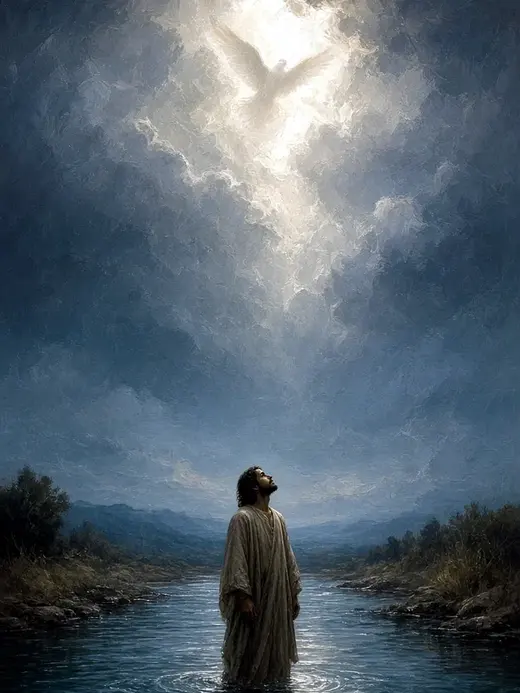 This Is My Beloved Son
Matthew 3:16-17
Jesus, when he was baptized, went up directly from the water: and behold, the heavens were opened to him. He saw the Spirit of God…
Read this card
 Hosanna to the Son of David
Matthew 21:9
The multitudes who went in front of him, and those who followed, kept shouting, “Hosanna to the son of David! Blessed is he who comes in…
Read this card
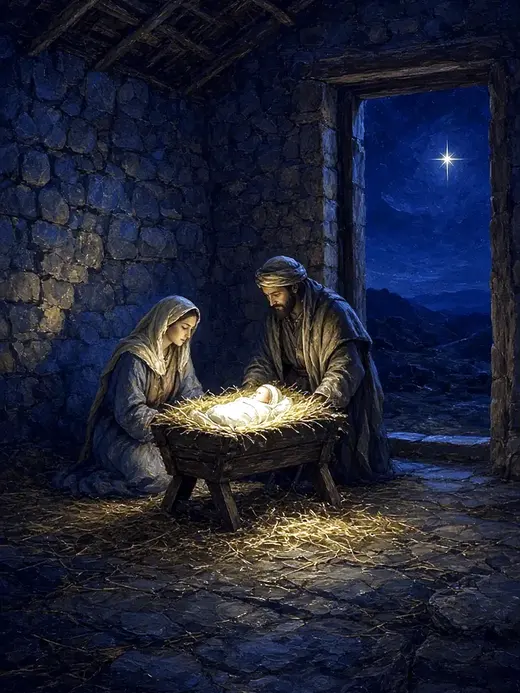 Today a Savior Is Born
Luke 2:10-11
The angel said to them, “Don’t be afraid, for behold, I bring you good news of great joy which will be to all the people. For there is born…
Read this card
 Salvation Is of the Lord
Jonah 2:6, 9
I went down to the bottoms of the mountains. The earth barred me in forever; yet you have brought my life up from the pit, Yahweh my God. ……
Read this card
 God So Loved the World
John 3:16
For God so loved the world, that he gave his only born Son, that whoever believes in him should not perish, but have eternal life.
Read this card
Key Takeaways
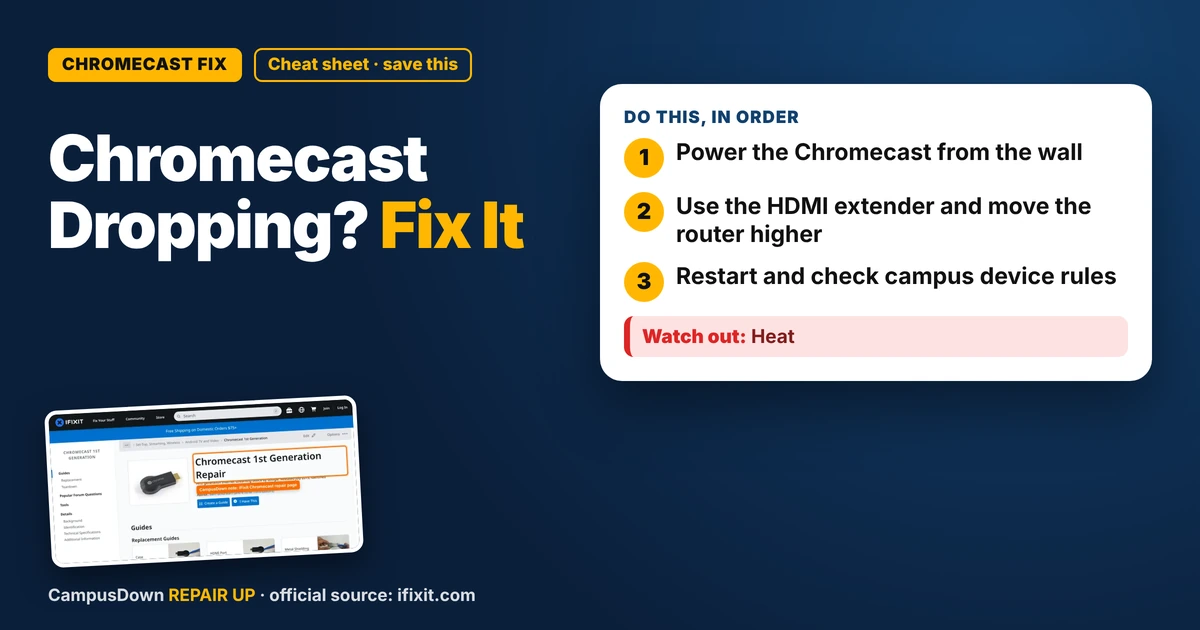
- Power the Chromecast from the wall.
- Use the HDMI extender and move the router higher.
- Restart and check campus device rules.
Movie night setup: popcorn, blanket, someone cute on the couch. Then the screen freezes, the spinning circle shows up, and the Chromecast drops the connection. Again. If your Chromecast keeps disconnecting from Wi-Fi, it's often power, placement, or the network itself. Here's how to make it stable.
Step 1: Use the right power source
A lot of people power their Chromecast from the TV's USB port. Some TV ports don't supply enough power, which can cause random disconnects. Plug the Chromecast into a wall outlet with the adapter it came with.
Step 2: Check placement
Chromecasts sit behind the TV, where the signal can get blocked. If yours came with an HDMI extender, use it. It moves the Chromecast a bit away from the TV and can improve Wi-Fi.
Step 3: Restart
- Unplug the Chromecast.
- Restart your router.
- Plug the Chromecast back in.
- Open the Google Home app and check that it's connected.
Step 4: Check the network
- Busy network.* Lots of devices streaming at once can slow things down.
- Band.* If you have separate 2.4 GHz and 5 GHz networks, try the other one.
- Campus Wi-Fi.* Many school networks don't let casting devices connect normally. Look for a device registration page or a separate streaming network on your school IT site.
Hardware problems
If it gets very hot or won't power on, try a different adapter and cable. iFixit's Chromecast page has info about the hardware, but there isn't much to repair inside a small stick. The cable and adapter are the parts most likely to be the problem.
Check the TV side too
Sometimes the Chromecast isn't the problem at all. Try a different HDMI port on the TV. Some TVs have energy-saving settings that cut power to USB ports or put HDMI devices to sleep. Look in the TV settings for options like HDMI control or eco mode, and try toggling them to see if drops stop. If the TV app says "no signal" while the Chromecast light is on, reseat the HDMI connection firmly.
Why buffering hurts so much
That spinning circle triggers serious frustration because it interrupts something we were enjoying. It's a small taste of loss aversion: losing a good moment feels worse than never having it. The fix often comes down to Occam's razor, checking simple things like power and placement. And Wi-Fi signals are electromagnetic waves that walls, TVs, and metal can weaken.
Test like a scientist
Change one thing at a time. Power it from the wall first and watch a show. Then add the extender. Then move the router. If you change everything at once and it works, you won't know what fixed it, and you'll be lost next time it drops. Keep a quick note on your phone of what helped.
Movie night prep
- Download a backup movie on your laptop in case Wi-Fi is bad.
- Restart the Chromecast before people come over.
- Tell roommates to pause big downloads.
Know someone staring at a repair right now? Send this their way.
Pick an app — it just sends the link, nothing else.
Frequently Asked Questions
Why does my Chromecast keep disconnecting?
Low power from a TV USB port, poor placement behind the TV, or network congestion are common reasons.
Should I power my Chromecast from the TV or a wall outlet?
A wall outlet with the original adapter is often more reliable.
Does the HDMI extender help Chromecast Wi-Fi?
It can, by moving the device away from the TV.
Can I use Chromecast on dorm Wi-Fi?
It depends on your school. Look for a device registration page or a separate network.