My Desk Fan Clicks Like It's Counting Down to Something
Desk fan making a clicking noise when spinning? Unplug, check the grille and blades, clean dust, tighten parts and know when to replace it. Quick, cheap steps.
“Almost cried fixing my own house. Learned to read every quote instead.”
Theology · Scripture Cards
Open a scripture card
Already read and shared by 315 people.
 While He Was Still a Long Way Off
Luke 15:20, 22
“He arose and came to his father. But while he was still far off, his father saw him and was moved with compassion, and ran, fell on his…
Read this card
 Surely I Will Be with You
Judges 6:16
Yahweh said to him, “Surely I will be with you, and you shall strike the Midianites as one man.”
Read this card
 The Rainbow Covenant
Genesis 9:13, 16
I set my rainbow in the cloud, and it will be a sign of a covenant between me and the earth. … The rainbow will be in the cloud. I will…
Read this card
 The Kingdom Belongs to Such as These
Mark 10:14, 16
But when Jesus saw it, he was moved with indignation and said to them, “Allow the little children to come to me! Don’t forbid them, for…
Read this card
 God So Loved the World
John 3:16
For God so loved the world, that he gave his only born Son, that whoever believes in him should not perish, but have eternal life.
Read this card
 A Fourth Walking in the Fire
Daniel 3:25
He answered, “Look, I see four men loose, walking in the middle of the fire, and they are unharmed. The appearance of the fourth is like a…
Read this card
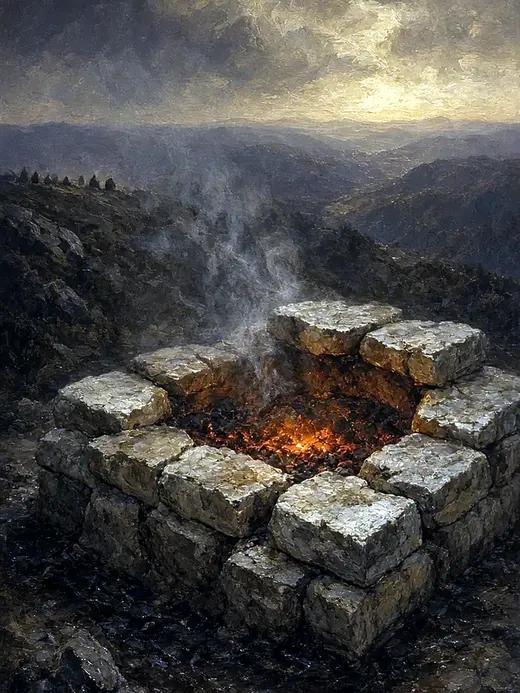 The Lord, He Is God
1 Kings 18:38-39
Then Yahweh’s fire fell and consumed the burnt offering, the wood, the stones, and the dust; and it licked up the water that was in the…
Read this card
 The God Who Brought You Out
Exodus 20:2
“I am Yahweh your God, who brought you out of the land of Egypt, out of the house of bondage.
Read this card
Key Takeaways
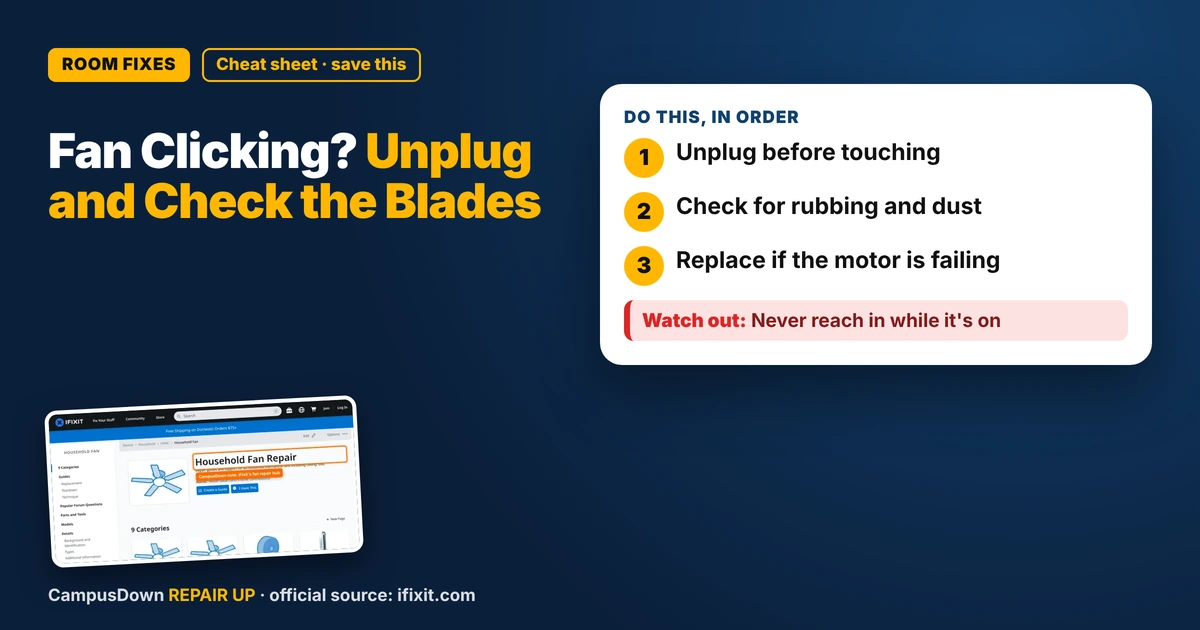
- Unplug before touching.
- Check for rubbing and dust.
- Replace if the motor is failing.
It's late, you're trying to sleep, and the fan goes click, click, click. If your desk fan is making a clicking noise when spinning, it's usually something touching the blades or loose parts. Here's the quick fix.
Unplug first
Always unplug the fan before touching blades or the grille.
Look for rubbing
Check if the grille is bent and touching the blades. Look for debris inside, like paper or a cable tie. A slightly bent front cover can make the blade tips tap on each rotation.
Clean the dust
Dust builds up on blades and can cause wobbling. Many fans have removable front grilles. Wipe the blades with a damp cloth and let them dry before plugging back in.
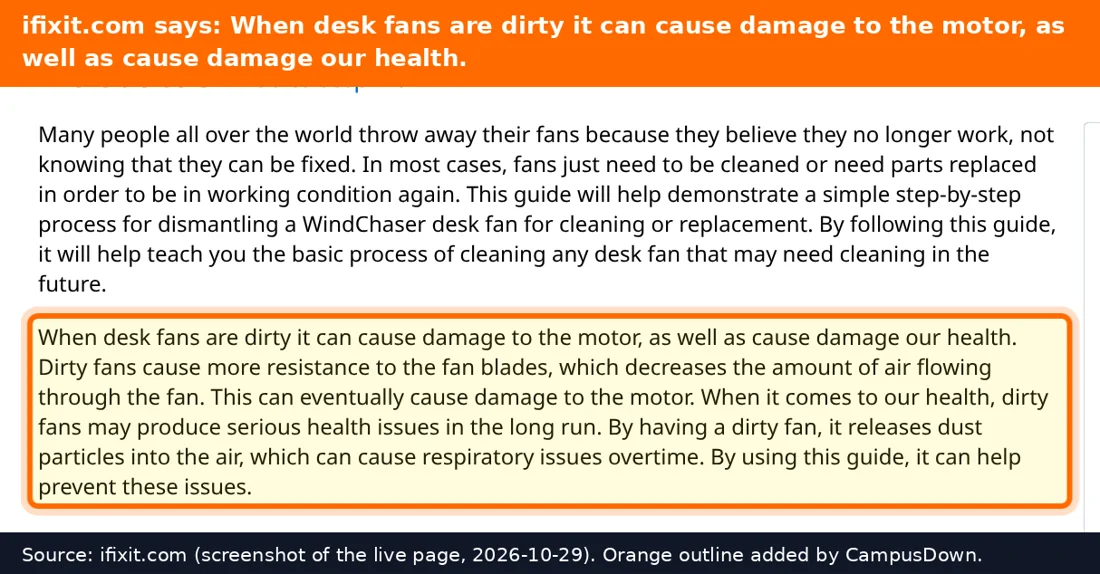
The iFixit fan hub has guides and community answers for many fan types if you need to see how yours comes apart.
Tighten loose parts
Check the blade cap and the screws on the stand and housing. A loose blade can click as it shifts. Tighten gently.
When to stop
If it smells hot, sparks, or the motor grinds, stop using it. Cheap fans aren't always worth a motor repair. Thinking about opportunity cost helps here.
The brain stuff
Ignoring the click for weeks is normalcy bias. Keeping a broken fan because you've had it since freshman year is the endowment effect. And the nagging feeling of an unfinished fix is the Zeigarnik effect in action.
Know someone staring at a repair right now? Send this their way.
Pick an app — it just sends the link, nothing else.
Frequently Asked Questions
Why is my desk fan clicking?
The grille may touch the blades, debris may be inside, or parts may be loose.
How do I clean a desk fan?
Unplug, remove the grille if possible, and wipe the blades.
Is a clicking fan dangerous?
Not always, but stop using it if it smells hot or sparks.
Should I repair or replace a cheap fan?
If the motor fails, replacing may be cheaper.