How to Find an Appliance Model Number (and the Manual) Fast
Need to find an appliance model number? Check the usual sticker spots, snap a photo, then search the maker's site for the manual. Spot list by appliance inside.
“Almost cried fixing my own house. Learned to read every quote instead.”
Theology · Scripture Cards
Open a scripture card
Already read and shared by 315 people.
 Daughter, Your Faith Has Healed You
Mark 5:34
He said to her, “Daughter, your faith has made you well. Go in peace, and be cured of your disease.”
Read this card
 God So Loved the World
John 3:16
For God so loved the world, that he gave his only born Son, that whoever believes in him should not perish, but have eternal life.
Read this card
 Let There Be Light
Genesis 1:3-4
God said, “Let there be light,” and there was light. God saw the light, and saw that it was good. God divided the light from the darkness.
Read this card
 Meant for Good
Genesis 50:20
As for you, you meant evil against me, but God meant it for good, to save many people alive, as is happening today.
Read this card
 For Such a Time as This
Esther 4:14
For if you remain silent now, then relief and deliverance will come to the Jews from another place, but you and your father’s house will…
Read this card
 Not My Will, but Yours
Luke 22:42
saying, “Father, if you are willing, remove this cup from me. Nevertheless, not my will, but yours, be done.”
Read this card
 The Sun of Righteousness
Malachi 4:2
But to you who fear my name shall the sun of righteousness arise with healing in its wings. You will go out and leap like calves of the…
Read this card
 The Lord Will Provide
Genesis 22:14
Abraham called the name of that place “Yahweh Will Provide”. As it is said to this day, “On Yahweh’s mountain, it will be provided.”
Read this card
Key Takeaways
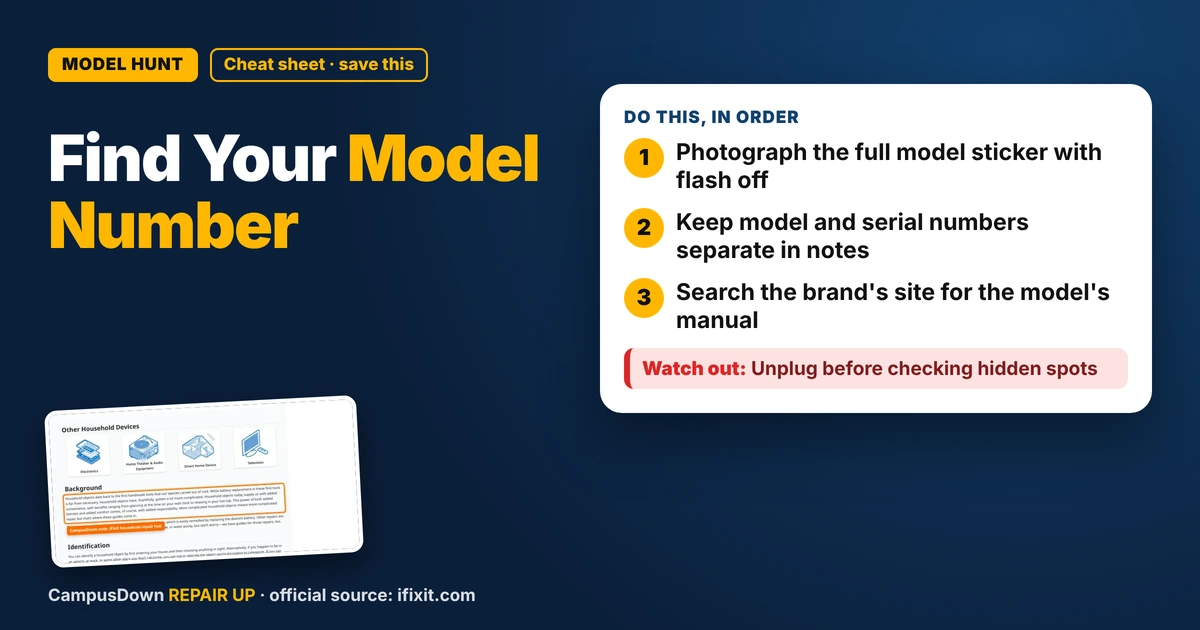
- Photograph the full model sticker with flash off.
- Keep model and serial numbers separate in notes.
- Search the brand's site for the model's manual.
Every repair guide, part search and warranty claim starts with the same question: what's the model number? And every appliance hides it somewhere slightly different. Here's how to find an appliance model number fast, plus how to get the manual.
Where to look, by appliance
These are common spots, not guarantees. Check your manual if you have it.
| Appliance | Common sticker spots |
|---|---|
| Fridge | Inside on a side wall, near the crisper drawers or on the ceiling |
| Dishwasher | Edge of the door or the tub frame when the door is open |
| Washer | Under the lid, around the door opening or on the back |
| Dryer | Inside the door frame or on the back |
| Microwave | Inside the door frame or on the back |
| Oven or range | Behind the storage drawer or around the oven door frame |
| Window AC | Side or back of the unit |
| Small appliances | Bottom or back |
Model vs serial number
The model number tells you which product it is. The serial number identifies your specific unit. Labels often mark them "Model" or "M/N" and "Serial" or "S/N." Repairs and parts usually need the model; warranties often want both.
Snap it, then search
- Take a clear photo of the whole sticker with flash off.
- Save it in an album called "Apartment stuff."
- Search the brand's website for the model number plus "manual."
- Repair communities like iFixit's household repair hub have guides by device type.
Why it matters
Parts that "look the same" often aren't. Ordering with the right model avoids returns. When you report a problem to a landlord, including the model helps the repair person bring the right part.
Brain stuff
Fixing something yourself makes you value it more, the IKEA effect. But feeling confident after one YouTube video is the Dunning-Kruger effect waiting to happen. And "this will take five minutes" is the planning fallacy. Finding the model number first keeps you honest.
Renter note
If it's the landlord's appliance, you still want the model number. It makes your repair request clearer and helps you look up whether the problem is a known issue.
When the sticker is gone
Older appliances sometimes lose their label to heat, cleaning sprays or time. Try the original box, the receipt, the manual or the order email if you bought it yourself. For a landlord's appliance, ask the property manager, since they may have purchase records. A photo of the whole appliance plus the brand logo can still help a repair person narrow it down.
Final thought
Check the common spots, photograph the sticker, separate model from serial, then search the maker's site for the manual.
Know someone staring at a repair right now? Send this their way.
Pick an app — it just sends the link, nothing else.
Frequently Asked Questions
Where is the model number on a fridge?
Often on a sticker inside on a side wall, near the crisper drawers or on the ceiling. Check your manual.
What's the difference between model and serial numbers?
The model identifies the product; the serial identifies your specific unit.
How do I find an appliance manual?
Search the brand's website for the model number plus "manual."
Should renters find model numbers too?
Yes. It makes repair requests clearer for the landlord.