I Said "Hey Google" Five Times and My Nest Mini Ghosted Me
Google Nest Mini not responding to your voice? Check the mic switch, restart it, fix the Wi-Fi in the Home app, and try a factory reset only as the last step.
“Almost cried fixing my own house. Learned to read every quote instead.”
Theology · Scripture Cards
Open a scripture card
Already read and shared by 315 people.
 God Shut the Lions’ Mouths
Daniel 6:22
My God has sent his angel, and has shut the lions’ mouths, and they have not hurt me, because innocence was found in me before him; and…
Read this card
 My Heart Rejoices in the Lord
1 Samuel 2:1-2
Hannah prayed, and said, “My heart exults in Yahweh! My horn is exalted in Yahweh. My mouth is enlarged over my enemies, because I rejoice…
Read this card
 Enter His Gates with Thanksgiving
Psalm 100:4-5
Enter into his gates with thanksgiving, and into his courts with praise. Give thanks to him, and bless his name. For Yahweh is good. His…
Read this card
 Water from the Rock
Exodus 17:6
Behold, I will stand before you there on the rock in Horeb. You shall strike the rock, and water will come out of it, that the people may…
Read this card
 Until He Finds It
Luke 15:4, 6
“Which of you men, if you had one hundred sheep and lost one of them, wouldn’t leave the ninety-nine in the wilderness and go after the one…
Read this card
 For Such a Time as This
Esther 4:14
For if you remain silent now, then relief and deliverance will come to the Jews from another place, but you and your father’s house will…
Read this card
 He Is Not Here, He Has Risen
Matthew 28:5-6
The angel answered the women, “Don’t be afraid, for I know that you seek Jesus, who has been crucified. He is not here, for he has risen…
Read this card
 Hosanna to the Son of David
Matthew 21:9
The multitudes who went in front of him, and those who followed, kept shouting, “Hosanna to the son of David! Blessed is he who comes in…
Read this card
Key Takeaways
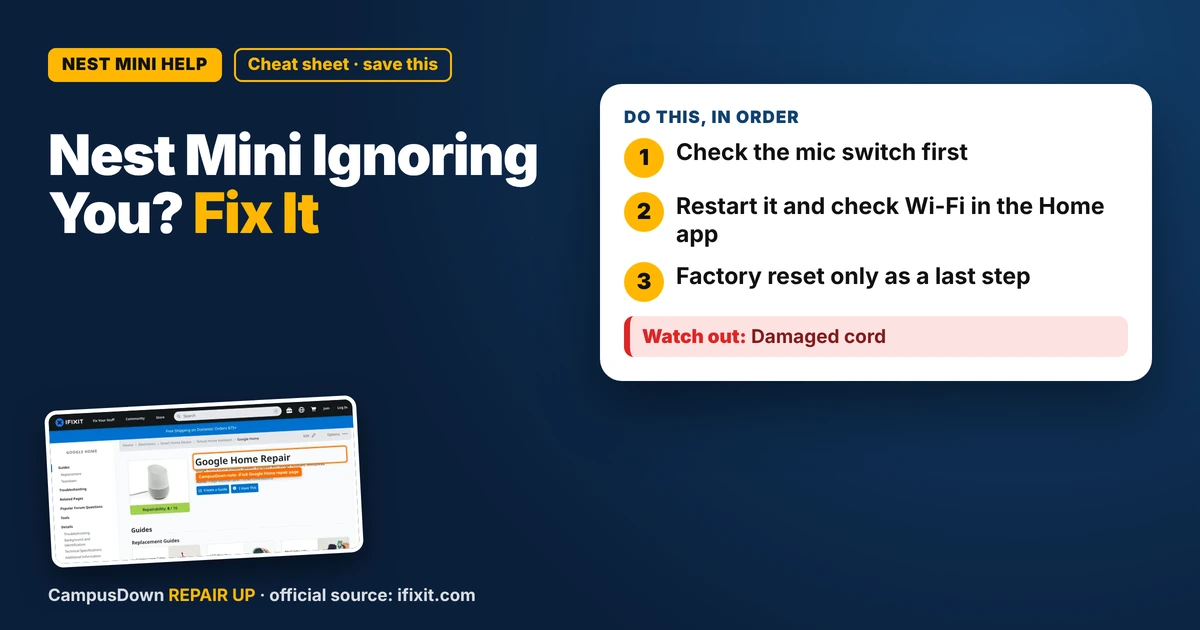
- Check the mic switch first.
- Restart it and check Wi-Fi in the Home app.
- Factory reset only as a last step.
I asked my Nest Mini for the weather. Nothing. I asked again, louder. Nothing. By the fifth "Hey Google" my neighbor probably thought I was arguing with a ghost. If your Google Nest Mini is not responding, it's usually a muted mic, a Wi-Fi problem, or a frozen device. Here's how to fix it without buying a new one.
Step 1: Is the mic muted?
The Nest Mini has a microphone switch on the side. If it's in the off position, the lights usually show orange or red, and it won't listen. Slide it back on.
Step 2: Restart it
- Unplug the Nest Mini.
- Wait about a minute.
- Plug it back in and wait for it to start up.
If it answers, you're done. If it says it can't connect, keep going.
Step 3: Check the Wi-Fi
Open the Google Home app. If your speaker shows as offline:
- Make sure your phone is on the same Wi-Fi network.
- Restart your router if you can.
- If you changed your Wi-Fi password, you may need to set up the speaker again in the app.
Step 4: Check the volume
Sometimes it's answering, just super quietly. Tap or touch the sides to raise volume, depending on your model, or use the Home app.
Step 5: Factory reset (last)
A factory reset clears everything and lets you set it up again. Check Google's help page for your model's reset steps. Make sure you know your Wi-Fi password before you do it.
Hardware issues
If it doesn't light up at all, try a different outlet and the original power adapter. iFixit's Google Home page has teardown and repair info for Google smart speakers, but for a small speaker, swapping the adapter is often the most realistic fix.
Campus networks
Many campus Wi-Fi networks don't allow smart speakers to connect normally. Look for a device registration page or a separate network for streaming devices on your school IT site.
Why we yell at speakers
Repeating "Hey Google" louder each time is confirmation bias in action: we assume it's not hearing us instead of checking the mute switch. Speakers and routers talk over electromagnetic waves, which walls and appliances can mess with. And reaching for a factory reset first breaks the Occam's razor rule: check the simple stuff first.
Privacy check while you're at it
Since you're in the settings anyway, take a minute to look at what the speaker saves. The Home app lets you review activity and adjust settings. If you share an apartment, make sure roommates know the speaker is there and listening for its wake word. That's just good roommate manners.
Keep it working
- Keep it away from heat and water.
- Update the Home app.
- Know your Wi-Fi password.
Know someone staring at a repair right now? Send this their way.
Pick an app — it just sends the link, nothing else.
Frequently Asked Questions
Why isn't my Nest Mini responding?
Common reasons are a muted mic switch, Wi-Fi problems, or a frozen device.
How do I restart my Google Nest Mini?
Unplug it for about a minute, then plug it back in.
What does an orange light on the Nest Mini mean?
Often that the mic is muted. Check the switch on the side.
Should I factory reset my Nest Mini?
Only after trying a restart and checking Wi-Fi.