My iPhone Loses a Chunk of Battery Overnight. Here's What I Checked
iPhone battery draining fast overnight? Check Battery settings, background apps, Battery Health and charging habits, and know when a battery swap is worth it.
“Almost cried fixing my own house. Learned to read every quote instead.”
Theology · Scripture Cards
Open a scripture card
Already read and shared by 315 people.
 This Is My Beloved Son
Matthew 3:16-17
Jesus, when he was baptized, went up directly from the water: and behold, the heavens were opened to him. He saw the Spirit of God…
Read this card
 The Lord Will Provide
Genesis 22:14
Abraham called the name of that place “Yahweh Will Provide”. As it is said to this day, “On Yahweh’s mountain, it will be provided.”
Read this card
 God Shut the Lions’ Mouths
Daniel 6:22
My God has sent his angel, and has shut the lions’ mouths, and they have not hurt me, because innocence was found in me before him; and…
Read this card
 Bread from Heaven
Exodus 16:4
Then Yahweh said to Moses, “Behold, I will rain bread from the sky for you, and the people shall go out and gather a day’s portion every…
Read this card
 The Lord, He Is God
1 Kings 18:38-39
Then Yahweh’s fire fell and consumed the burnt offering, the wood, the stones, and the dust; and it licked up the water that was in the…
Read this card
 In the Name of the Lord
1 Samuel 17:45, 47
Then David said to the Philistine, “You come to me with a sword, with a spear, and with a javelin; but I come to you in the name of Yahweh…
Read this card
 God So Loved the World
John 3:16
For God so loved the world, that he gave his only born Son, that whoever believes in him should not perish, but have eternal life.
Read this card
 Listen to Him
Matthew 17:5
While he was still speaking, behold, a bright cloud overshadowed them. Behold, a voice came out of the cloud, saying, “This is my beloved…
Read this card
Key Takeaways
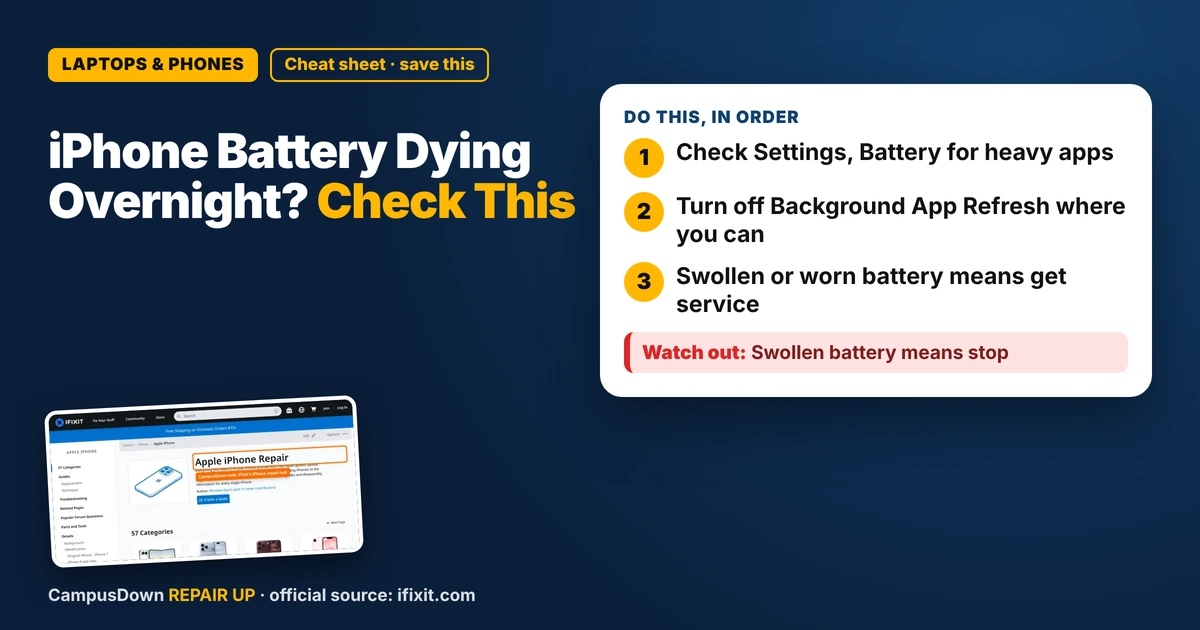
- Check Settings, Battery for heavy apps.
- Turn off Background App Refresh where you can.
- Swollen or worn battery means get service.
You go to bed at 80 percent and wake up to a red battery and an alarm that almost didn't go off. If your iPhone battery is draining fast overnight, here's what to check before paying for anything.
Step 1: Look at the Battery screen
Go to Settings, then Battery. You'll see which apps used the most battery and whether it was on screen or in the background. If one app uses a lot in the background while you sleep, that's a clue.
- Close or update that app.
- Turn off Background App Refresh for apps that don't need it (Settings, General, Background App Refresh).
- Check location access for apps that don't need it all the time.
Step 2: Check Battery Health
In Settings, Battery, Battery Health (wording varies by iOS version), you can see the battery's maximum capacity compared to when it was new. Batteries wear down over time. Apple's support pages explain what these numbers mean and when service is recommended.
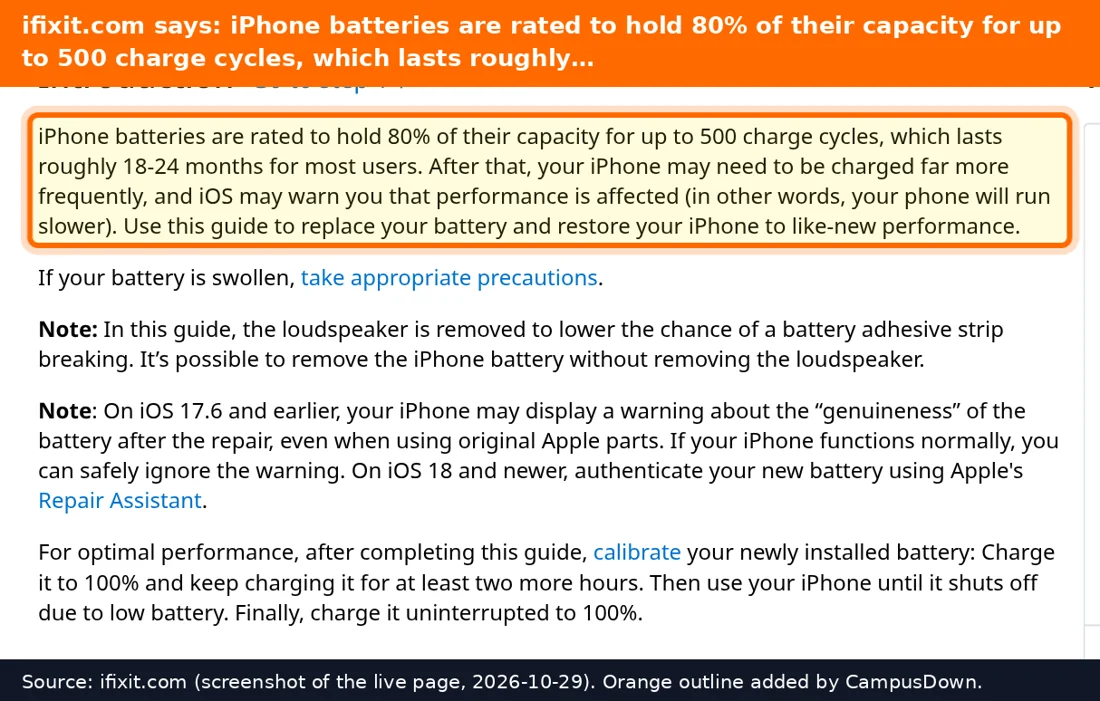
The iFixit iPhone hub has battery replacement guides for many models. They're detailed, but iPhone battery swaps involve glue and tiny screws.
Step 3: Update and restart
Install iOS updates when you can, since they can include battery fixes. Restart your phone once in a while too. Cheap and simple.
Charging habits
Heat is hard on batteries. Charging under your pillow or in a hot car isn't great. Many iPhones have an Optimized Battery Charging setting that's meant to reduce battery aging. Use a decent charger and cable, not the sketchy gas station one.
We often blame the phone first, but sometimes it's our settings. That's confirmation bias: once you think your phone is "broken," you only notice the bad days.
When to replace the battery
If Battery Health is low, the phone shuts down randomly, or it's noticeably worse than it used to be, a battery replacement might be the move. Apple or an authorized provider can do it, and some independent shops too. Compare that with buying a new phone. Thinking about opportunity cost helps here: a battery swap is often cheaper than a new phone, but not always worth it for very old models. And don't upgrade just because your friend did. That's the bandwagon effect.
If this saved you a headache, it might save a friend one too.
Pick an app — it just sends the link, nothing else.
Frequently Asked Questions
Why is my iPhone battery draining fast overnight?
Background app activity, location use, and an aging battery are common causes. Check Settings, Battery.
How do I check my iPhone battery health?
Go to Settings, Battery, then Battery Health.
Does Low Power Mode help overnight?
It can reduce background activity.
When should I replace my iPhone battery?
When Battery Health is low, it shuts down randomly, or the battery is swollen.