My iPhone Stopped Charging Right Before a Big Night. The Culprit Was Pocket Lint
iPhone not charging or the cable feels loose? Pocket lint in the port is a common cause. Here's how to check it safely before you buy a new cable.
“Almost cried fixing my own house. Learned to read every quote instead.”
Theology · Scripture Cards
Open a scripture card
Already read and shared by 315 people.
 Wings like Eagles
Isaiah 40:31
but those who wait for Yahweh will renew their strength. They will mount up with wings like eagles. They will run, and not be weary. They…
Read this card
 Enter His Gates with Thanksgiving
Psalm 100:4-5
Enter into his gates with thanksgiving, and into his courts with praise. Give thanks to him, and bless his name. For Yahweh is good. His…
Read this card
 I Am with You
Genesis 28:15
Behold, I am with you, and will keep you, wherever you go, and will bring you again into this land. For I will not leave you until I have…
Read this card
 The Kingdom Belongs to Such as These
Mark 10:14, 16
But when Jesus saw it, he was moved with indignation and said to them, “Allow the little children to come to me! Don’t forbid them, for…
Read this card
 Meant for Good
Genesis 50:20
As for you, you meant evil against me, but God meant it for good, to save many people alive, as is happening today.
Read this card
 Today a Savior Is Born
Luke 2:10-11
The angel said to them, “Don’t be afraid, for behold, I bring you good news of great joy which will be to all the people. For there is born…
Read this card
 I Am the Resurrection and the Life
John 11:25-26
Jesus said to her, “I am the resurrection and the life. He who believes in me will still live, even if he dies. Whoever lives and believes…
Read this card
 Let There Be Light
Genesis 1:3-4
God said, “Let there be light,” and there was light. God saw the light, and saw that it was good. God divided the light from the darkness.
Read this card
Key Takeaways
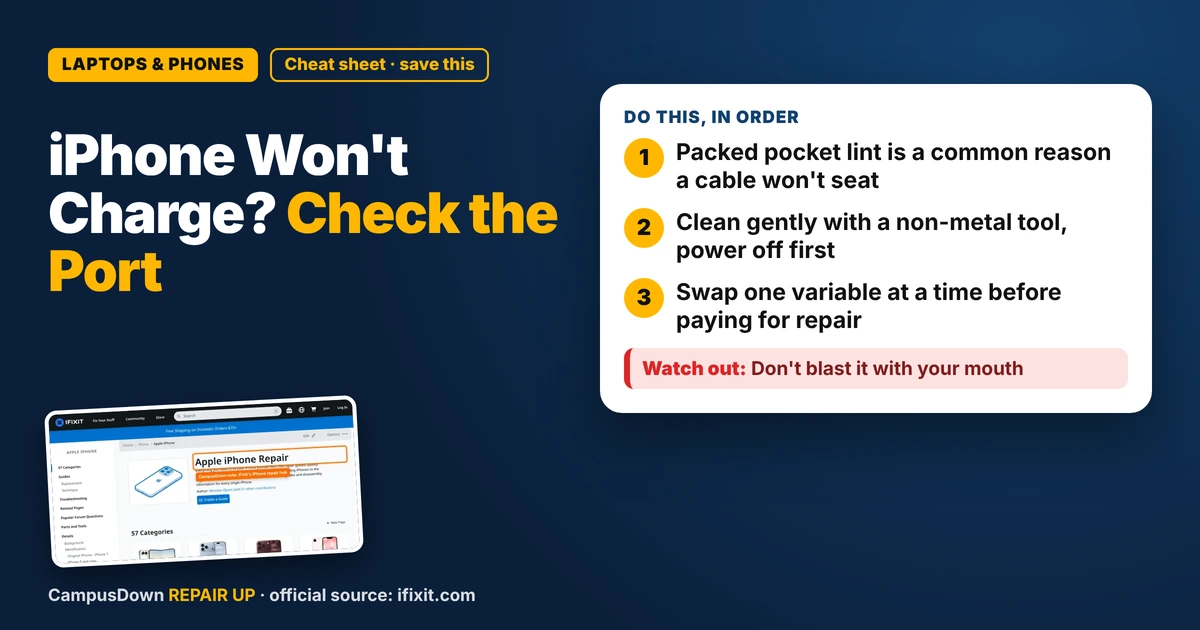
- Packed pocket lint is a common reason a cable won't seat.
- Clean gently with a non-metal tool, power off first.
- Swap one variable at a time before paying for repair.
If your iPhone is not charging and the cable feels wobbly or won't click in all the way, there's a solid chance it's lint in the port. Before you buy a new cable, a new charger, or panic about a new phone, check the tiny hole at the bottom.
Why lint ends up in your charging port
Your phone lives in your pocket. Pockets are basically lint factories. Every time you slide your phone in, a little fuzz gets packed into the port, and each time you plug in, the cable presses it deeper. After months of that, a compressed layer sits at the back, and the connector can't seat fully.
The signs are pretty consistent:
- The cable doesn't click or sit flush.
- Charging only works if you hold the cable at an angle.
- It charges, stops, starts again.
How to check it without breaking anything
- Power the phone off.* Small move, real peace of mind.
- Shine a flashlight into the port.* Use another phone's flashlight. Look for gray or dark fuzz at the back.
- Use something non-metal.* A wooden toothpick or a plastic tool works. Gently scrape along the back wall and lift lint out. Don't jam it hard.
- Skip the paper clip.* Metal can scratch the contacts or short something.
For model-specific guides, the iFixit iPhone repair hub breaks down common charging problems by model. Peeping your model's page is way better than random TikTok hacks.
Still not charging? Narrow it down
Think like a detective, not a doom-scroller. Swap one thing at a time:
- Try another cable* that works on a friend's phone.
- Try another power brick or outlet.*
- Restart the phone* after cleaning.
- Check for a liquid warning* on screen. If it says liquid detected, let it dry before charging.
Changing one variable at a time is classic troubleshooting. It's the same idea behind a good experimental design: if you change three things at once, you won't know which one fixed it.
When it's not lint
If the port is clean and multiple known-good cables fail, the port itself or the battery could be the problem. That's when Apple support, your carrier, or a reputable repair shop comes in. Ask whether the repair is covered by warranty first. Don't let the sunk cost of an old case or a fancy cable push you toward buying stuff you don't need.
Also, a lot of us leave stuff like this for weeks. That's procrastination and honestly, it bites hardest the day you need your phone for a ride home.
Found this helpful? Share it with a friend who’s dealing with the same mess.
Pick an app — it just sends the link, nothing else.
Frequently Asked Questions
Why is my iPhone not charging when plugged in?
Lint packed in the port is a common cause. Also try a different cable, brick, and outlet, and restart the phone.
How do I safely clean lint out of an iPhone port?
Power off, use a flashlight, and gently lift lint with a wooden toothpick or plastic tool. Avoid metal.
Can I use compressed air on my charging port?
Short bursts held away from the port can help. Don't insert the nozzle.
When should I take my phone to a repair shop?
If the port is clean and known-good cables still fail, have Apple or a repair shop diagnose the port or battery.