My iPhone Speaker Started Sounding Like It Was Underwater
iPhone speaker sounds muffled or quiet? Remove the case, clean the grilles gently, check settings, dry it after water, and know when Apple Support is needed.
“Almost cried fixing my own house. Learned to read every quote instead.”
Theology · Scripture Cards
Open a scripture card
Already read and shared by 315 people.
 Wings like Eagles
Isaiah 40:31
but those who wait for Yahweh will renew their strength. They will mount up with wings like eagles. They will run, and not be weary. They…
Read this card
 Not My Will, but Yours
Luke 22:42
saying, “Father, if you are willing, remove this cup from me. Nevertheless, not my will, but yours, be done.”
Read this card
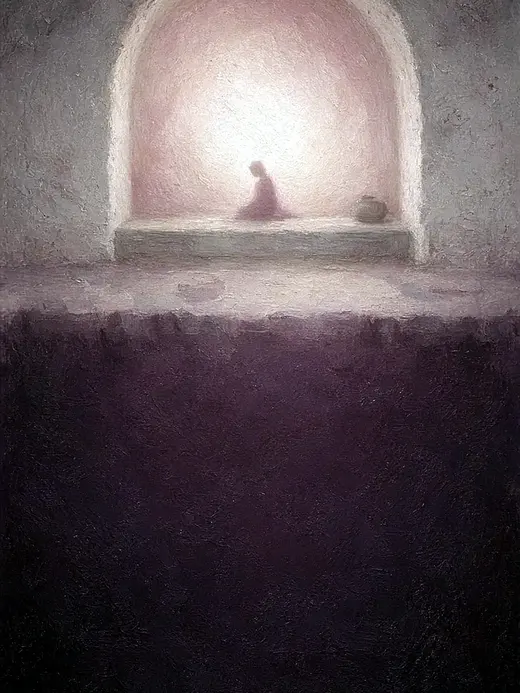 My Heart Rejoices in the Lord
1 Samuel 2:1-2
Hannah prayed, and said, “My heart exults in Yahweh! My horn is exalted in Yahweh. My mouth is enlarged over my enemies, because I rejoice…
Read this card
 The Lord Will Provide
Genesis 22:14
Abraham called the name of that place “Yahweh Will Provide”. As it is said to this day, “On Yahweh’s mountain, it will be provided.”
Read this card
 His Flesh Was Restored
2 Kings 5:14
Then he went down and dipped himself seven times in the Jordan, according to the saying of the man of God; and his flesh was restored like…
Read this card
 Listen to Him
Matthew 17:5
While he was still speaking, behold, a bright cloud overshadowed them. Behold, a voice came out of the cloud, saying, “This is my beloved…
Read this card
 The Kingdom Belongs to Such as These
Mark 10:14, 16
But when Jesus saw it, he was moved with indignation and said to them, “Allow the little children to come to me! Don’t forbid them, for…
Read this card
 The Lord Will Fight for You
Exodus 14:13-14
Moses said to the people, “Don’t be afraid. Stand still, and see the salvation of Yahweh, which he will work for you today; for you will…
Read this card
Key Takeaways
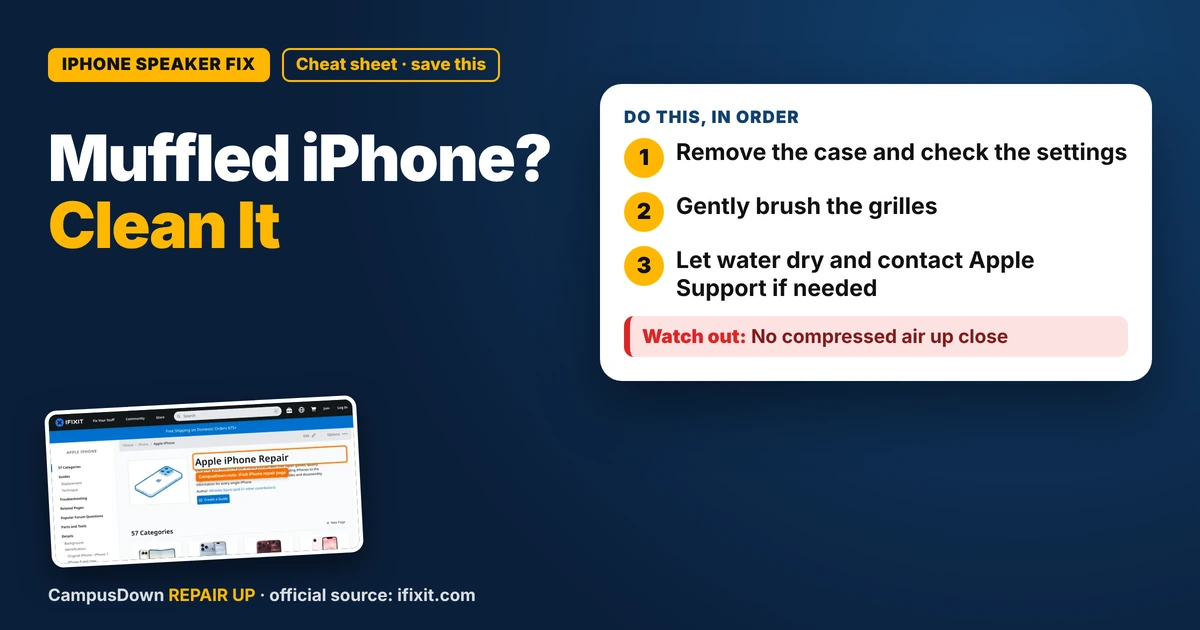
- Remove the case and check the settings.
- Gently brush the grilles.
- Let water dry and contact Apple Support if needed.
I was showing a friend a video and the sound came out like it was playing from inside a pillow. Calls on speaker were muffled too. If your iPhone speaker sounds muffled, it's often dust, lint, or water in the speaker grilles. Sometimes it's a setting. Rarely, it's hardware. Here's how to tell.
Step 1: Take off the case
Cases can block speaker grilles, especially cheap ones that don't line up well. Remove it and test the sound.
Step 2: Check the settings
- Make sure the phone isn't connected to Bluetooth headphones or a speaker.
- Turn the volume up.
- Check Silent mode.
- Restart the phone.
Step 3: Clean the grilles
Speaker grilles collect dust and lint. Clean them gently:
- Turn the phone off.
- Use a soft, dry toothbrush or soft brush to gently brush the grilles.
- Painter's tape or putty can gently lift some dust.
- Don't push anything sharp into the holes.
Step 4: Water exposure?
If your phone got wet, the speaker may sound muffled until it dries. Let it dry in a dry place. Apple's support pages say not to put the phone in rice or use heat to dry it. Give it time and avoid charging it while it shows a liquid warning.
When it's hardware
If it's still muffled, the speaker might be damaged. iFixit's iPhone page has speaker replacement guides for many models, but opening an iPhone involves screen removal and adhesive. If you're under warranty or have AppleCare, contact Apple Support first.
Why we put off phone fixes
We live on our phones, so we notice every issue but delay fixing them. That's procrastination. Assuming it'll get better on its own is normalcy bias. Removing the case first is Occam's razor: simple stuff first.
Is it the speaker or the earpiece?
Your iPhone has more than one speaker. The bottom speaker plays most media. The top earpiece is what you hear on a normal call, and on many models it also plays stereo audio. Test them separately. Make a regular call and listen at the top. Then play a video at the bottom. If only one sounds bad, that tells you which grille to clean. Also check the microphone side: if friends say you sound muffled on calls, the mic holes might be dusty too.
Keep your speakers clean
- Clean your pocket or bag every so often.
- Use a case that fits properly.
- Brush the grilles gently every few weeks.
- Keep the phone away from sand and spilled drinks.
If this saved you a headache, it might save a friend one too.
Pick an app — it just sends the link, nothing else.
Frequently Asked Questions
Why does my iPhone speaker sound muffled?
Dust, lint, water, a blocking case, or settings issues are common reasons.
How do I clean my iPhone speaker?
Turn it off and gently brush the grilles with a soft, dry brush.
Should I put my wet iPhone in rice?
Apple's support pages advise against it. Let it dry in a dry place.
Can a muffled iPhone speaker be fixed?
Often with cleaning. If not, Apple Support or a repair shop can check it.