My Character Kept Walking Off Cliffs on Its Own. Joy-Con Drift Strikes Again
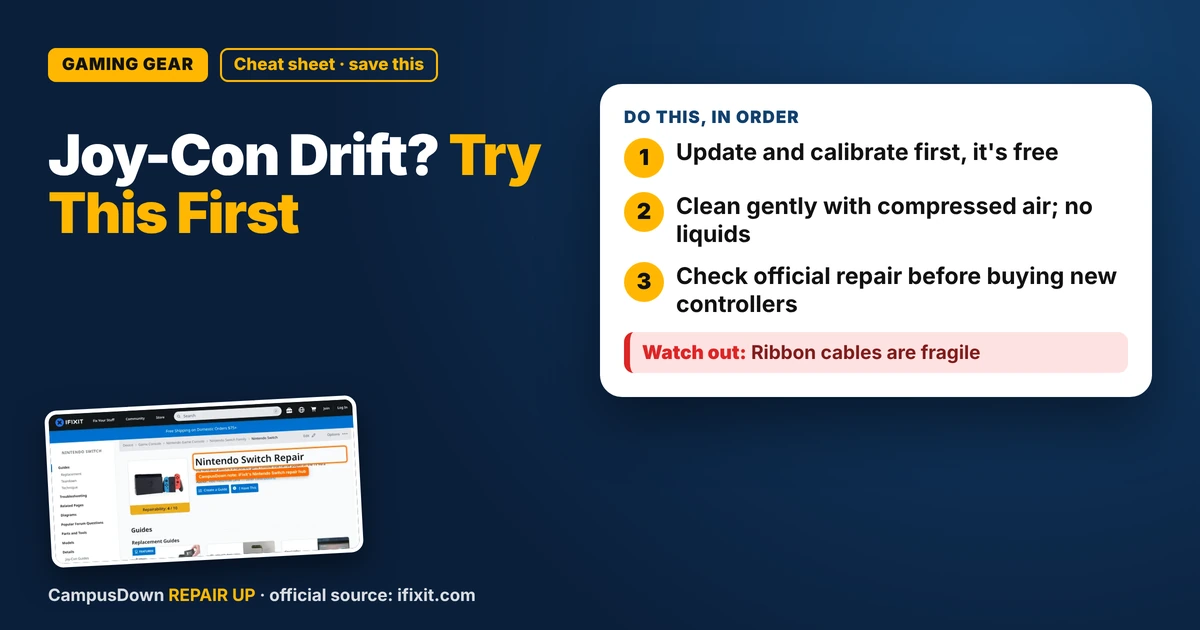
Joy-Con drift ruining your game night? Try calibration, updates, and a careful cleaning first, then check Nintendo repair options before buying new.
“Almost cried fixing my own house. Learned to read every quote instead.”
Theology · Scripture Cards
Open a scripture card
Already read and shared by 315 people.
 He Is Not Here, He Has Risen
Matthew 28:5-6
The angel answered the women, “Don’t be afraid, for I know that you seek Jesus, who has been crucified. He is not here, for he has risen…
Read this card
 Look and Live
Numbers 21:8-9
Yahweh said to Moses, “Make a venomous snake, and set it on a pole. It shall happen that everyone who is bitten, when he sees it, shall…
Read this card
 The Jar Was Not Empty
1 Kings 17:14, 16
For Yahweh, the God of Israel, says, ‘The jar of meal will not run out, and the jar of oil will not fail, until the day that Yahweh sends…
Read this card
 He Revealed His Glory
John 2:11
This beginning of his signs Jesus did in Cana of Galilee, and revealed his glory; and his disciples believed in him.
Read this card
 This Is My Beloved Son
Matthew 3:16-17
Jesus, when he was baptized, went up directly from the water: and behold, the heavens were opened to him. He saw the Spirit of God…
Read this card
 Wings like Eagles
Isaiah 40:31
but those who wait for Yahweh will renew their strength. They will mount up with wings like eagles. They will run, and not be weary. They…
Read this card
 Your Faith Has Made You Well
Mark 10:52
Jesus said to him, “Go your way. Your faith has made you well.” Immediately he received his sight and followed Jesus on the way.
Read this card
 A Fourth Walking in the Fire
Daniel 3:25
He answered, “Look, I see four men loose, walking in the middle of the fire, and they are unharmed. The appearance of the fourth is like a…
Read this card
Key Takeaways
- Update and calibrate first, it's free.
- Clean gently with compressed air; no liquids.
- Check official repair before buying new controllers.
You're mid game night, your character starts walking off a cliff on its own, and your friends think you're throwing. If you have Joy-Con drift and wonder what to try first, here are the steps to run before you spend money you don't have on new controllers.
What drift actually is
Drift is when the console reads stick movement even though you're not touching it. It's often linked to wear or debris inside the analog stick. It can start small, like a slight menu scroll, and get worse over time.
Step 1: Update and calibrate
Start with the free stuff:
- Update the system and controllers.* Check System Settings for updates.
- Calibrate the sticks.* In System Settings, under Controllers and Sensors, there's an option to calibrate control sticks. Follow the on-screen steps.
Calibration won't fix physical wear, but it can help if the issue is how the console reads the stick's neutral position. Always try the free fix first. It's the boring advice that saves money.
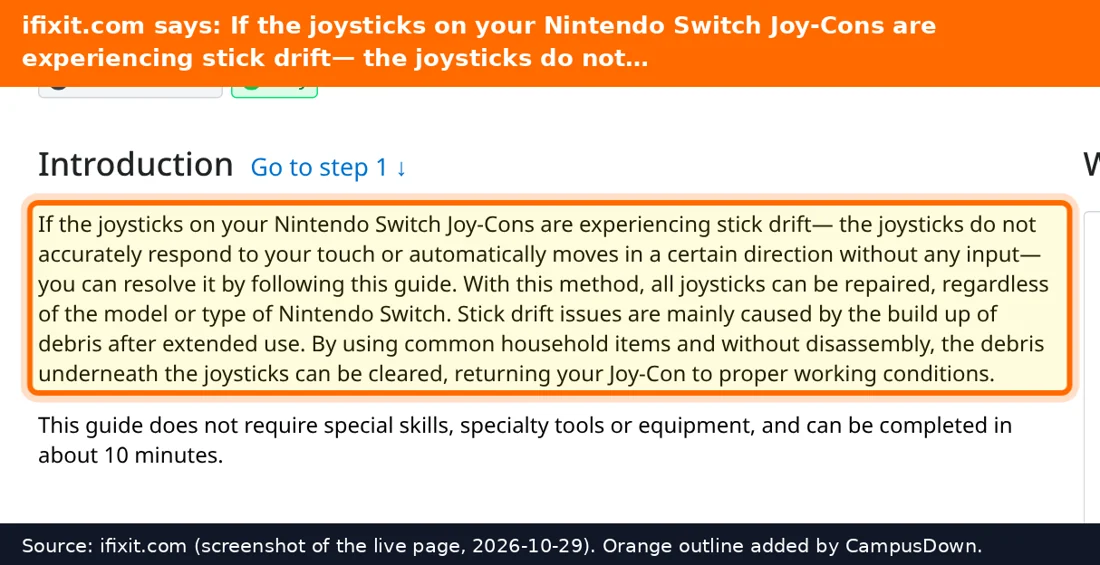
The iFixit Nintendo Switch hub has guides for Joy-Con stick replacement and other repairs, with step-by-step photos and difficulty ratings.
Step 2: Gentle cleaning
Some people get results by cleaning around the base of the stick:
- Power off the console.
- Gently lift the rubber skirt around the stick base if your model allows it.
- Use short bursts of compressed air around the stick.
Don't pour liquid into the controller. Don't stab around with metal tools.
Step 3: Check repair options
Before you buy new Joy-Cons, check Nintendo's support site for repair options and your warranty status. If your controller is out of warranty, replacing the stick yourself is a popular DIY repair, but it involves small screws, ribbon cables and patience. Be honest with yourself about your skills. The Dunning-Kruger effect has broken more ribbon cables than drift ever has.
Is it worth fixing?
Think about opportunity cost. Repair through official support might be cheap or covered. DIY parts are usually less than new controllers. A new pair is the most expensive option, so keep it as plan C.
Also, the IKEA effect applies: you'll love those fixed Joy-Cons way more than a fresh pair. And if they drift again later, at least you'll know the drill.
Know someone staring at a repair right now? Send this their way.
Pick an app — it just sends the link, nothing else.
Frequently Asked Questions
What causes Joy-Con drift?
It's often linked to wear or debris in the analog stick, which makes the console detect movement you didn't make.
Does calibrating fix Joy-Con drift?
Sometimes it helps with mild issues, but it won't fix physical wear.
Can I fix Joy-Con drift myself?
Many people replace the stick with a guide, but it's delicate work. Check official repair options first.
Should I buy new Joy-Cons for drift?
Try updates, calibration, cleaning, and official repair before buying new.