My Laptop Keys Felt Crunchy After a Soda Spill. Here's How I Cleaned Them
Laptop keys sticky after a spill dried? Learn safe cleaning with isopropyl alcohol and swabs, when to pop keycaps, and when to get the board checked.
“Almost cried fixing my own house. Learned to read every quote instead.”
Theology · Scripture Cards
Open a scripture card
Already read and shared by 315 people.
 The Sun of Righteousness
Malachi 4:2
But to you who fear my name shall the sun of righteousness arise with healing in its wings. You will go out and leap like calves of the…
Read this card
 The Lord Will Provide
Genesis 22:14
Abraham called the name of that place “Yahweh Will Provide”. As it is said to this day, “On Yahweh’s mountain, it will be provided.”
Read this card
 I Am the Light of the World
John 8:12
Again, therefore, Jesus spoke to them, saying, “I am the light of the world. He who follows me will not walk in the darkness, but will have…
Read this card
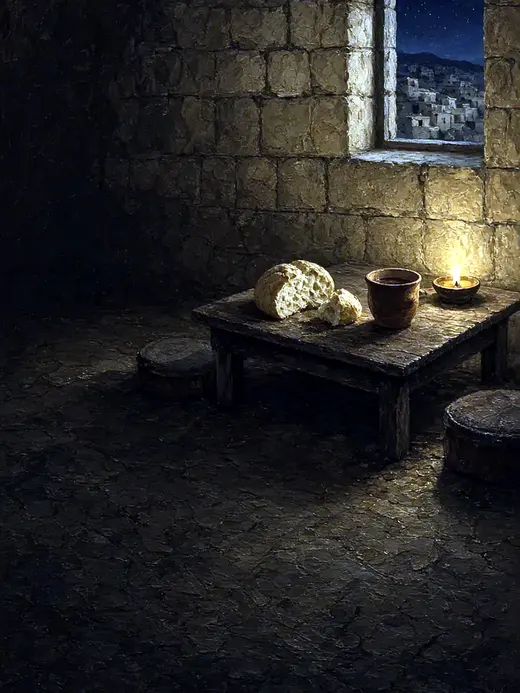 The New Covenant in My Blood
Luke 22:19-20
He took bread, and when he had given thanks, he broke and gave it to them, saying, “This is my body which is given for you. Do this in…
Read this card
 I AM WHO I AM
Exodus 3:14
God said to Moses, “I AM WHO I AM,” and he said, “You shall tell the children of Israel this: ‘I AM has sent me to you.’ ”
Read this card
 He Revealed His Glory
John 2:11
This beginning of his signs Jesus did in Cana of Galilee, and revealed his glory; and his disciples believed in him.
Read this card
 Surely I Will Be with You
Judges 6:16
Yahweh said to him, “Surely I will be with you, and you shall strike the Midianites as one man.”
Read this card
 The Kingdom Belongs to Such as These
Mark 10:14, 16
But when Jesus saw it, he was moved with indignation and said to them, “Allow the little children to come to me! Don’t forbid them, for…
Read this card
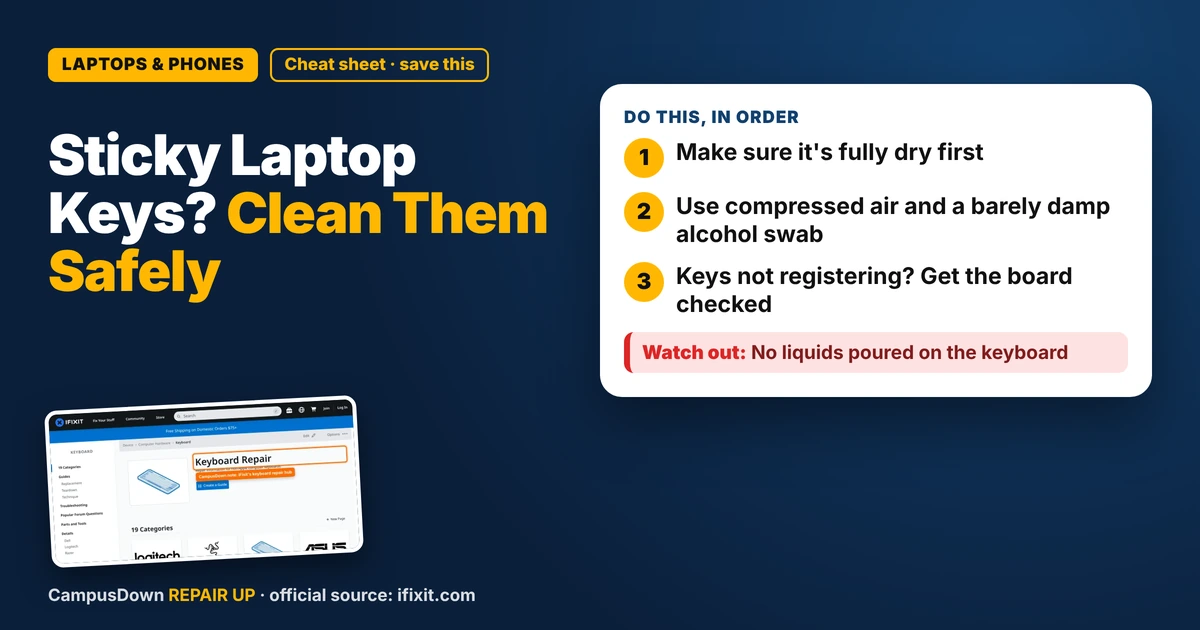
Key Takeaways
- Make sure it's fully dry first.
- Use compressed air and a barely damp alcohol swab.
- Keys not registering? Get the board checked.
Your laptop survived the spill and turns on, but now some laptop keys are sticky or crunchy. If you want to know how to clean them without making things worse, here's a careful approach that a lot of people use.
First, make sure it's dry
If the spill just happened, stop here and let it fully dry with power off. Sticky keys can wait. A short circuit can't be undone. Once you're sure the inside is dry and the laptop works, you can focus on cleaning.
Gentle cleaning without removing keys
- Power off and unplug.*
- Tilt the laptop* and use short bursts of compressed air around the sticky keys.
- Dampen a cotton swab with isopropyl alcohol*, not dripping, and clean around the edges of the key.
- Press the key repeatedly* to work the residue loose.
- Let it dry* before powering on.
Isopropyl alcohol evaporates quickly, which is why people use it on electronics. Water and soap linger.
The iFixit keyboard hub has guides for cleaning and replacing keys on different keyboards. Check your laptop model's guide before prying anything.
Should you pop the keycaps?
On many laptops, keycaps clip onto delicate plastic hinges called scissor mechanisms. Popping them off wrong can break the clips. If you decide to remove a key, follow a guide for your exact model, go slow, and start from the right edge as the guide says. Some laptops, especially newer slim ones, are harder to clean this way.
The Dunning-Kruger effect shows up hard right here: one video and you think you're a keyboard surgeon. Practice on a key you rarely use, and only if your guide says it's safe.
When it's more than sticky
If keys don't register at all, type wrong letters or the trackpad acts up, liquid may have reached the board. That needs a repair shop or campus IT. Keep in mind opportunity cost: a keyboard replacement on some laptops is a big job, so get a quote before deciding.
Save the semester
While it's being fixed, a cheap external USB keyboard can keep you typing. It's also a nice way to avoid hammering the laptop's own keys. Typing for hours on a cramped setup can also strain your wrists, so set up a little ergonomic space if you can.
Found this helpful? Share it with a friend who’s dealing with the same mess.
Pick an app — it just sends the link, nothing else.
Frequently Asked Questions
How do I clean sticky laptop keys?
Power off, use compressed air and a cotton swab lightly dampened with isopropyl alcohol around the keys.
Can I remove laptop keys to clean them?
On some models, carefully, with a model-specific guide. Keycap clips break easily.
What if keys stop working after a spill?
Liquid may have reached the board. Take it to campus IT or a repair shop.
Is isopropyl alcohol safe for laptop keyboards?
It's commonly used because it evaporates fast. Use a damp swab, not a pour.