My MacBook Fan Screams During a Google Doc. Here's What I Checked
MacBook fan loud while you're barely doing anything? Check Activity Monitor, browser tabs, airflow and dust, and know when to book an Apple repair visit.
“Almost cried fixing my own house. Learned to read every quote instead.”
Theology · Scripture Cards
Open a scripture card
Already read and shared by 315 people.
 Meant for Good
Genesis 50:20
As for you, you meant evil against me, but God meant it for good, to save many people alive, as is happening today.
Read this card
 Enter His Gates with Thanksgiving
Psalm 100:4-5
Enter into his gates with thanksgiving, and into his courts with praise. Give thanks to him, and bless his name. For Yahweh is good. His…
Read this card
 I Am with You
Genesis 28:15
Behold, I am with you, and will keep you, wherever you go, and will bring you again into this land. For I will not leave you until I have…
Read this card
 Today a Savior Is Born
Luke 2:10-11
The angel said to them, “Don’t be afraid, for behold, I bring you good news of great joy which will be to all the people. For there is born…
Read this card
 The Lord, He Is God
1 Kings 18:38-39
Then Yahweh’s fire fell and consumed the burnt offering, the wood, the stones, and the dust; and it licked up the water that was in the…
Read this card
 He Is Not Here, He Has Risen
Matthew 28:5-6
The angel answered the women, “Don’t be afraid, for I know that you seek Jesus, who has been crucified. He is not here, for he has risen…
Read this card
 Take Heart, It Is I
Matthew 14:27, 31
But immediately Jesus spoke to them, saying, “Cheer up! It is I! Don’t be afraid.” … Immediately Jesus stretched out his hand, took hold of…
Read this card
 Not My Will, but Yours
Luke 22:42
saying, “Father, if you are willing, remove this cup from me. Nevertheless, not my will, but yours, be done.”
Read this card
Key Takeaways
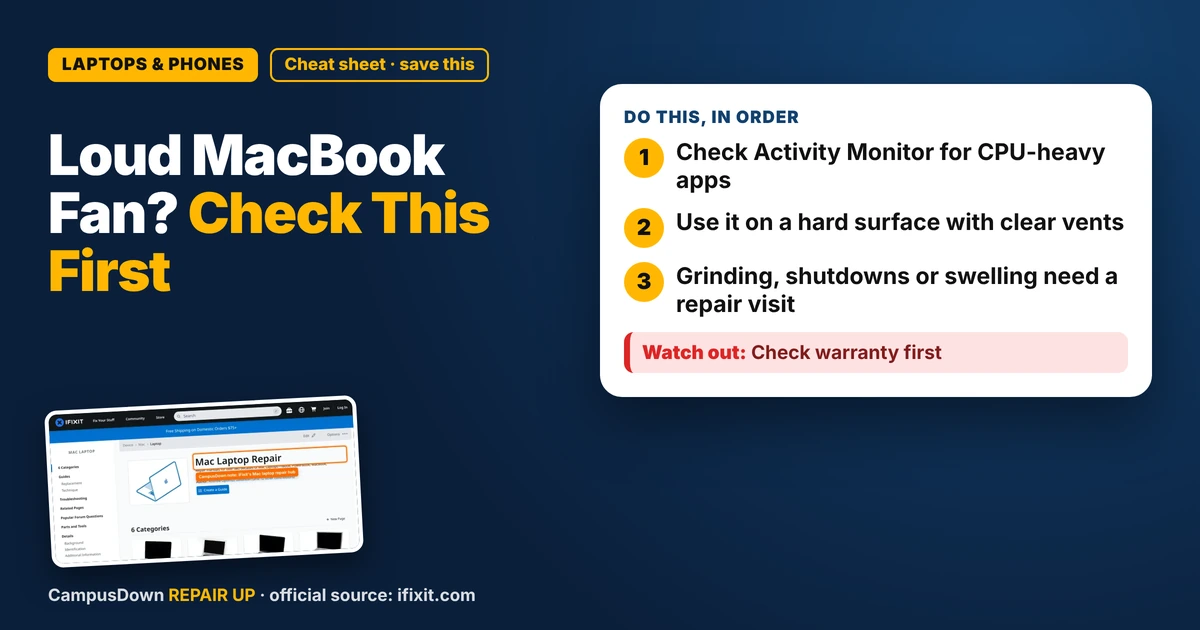
- Check Activity Monitor for CPU-heavy apps.
- Use it on a hard surface with clear vents.
- Grinding, shutdowns or swelling need a repair visit.
You're writing a two-page essay and your laptop sounds like it's rendering a Pixar movie. If your MacBook fan is loud when doing nothing, there's usually a reason hiding in plain sight. Here's how to fix it without spending money first.
Step 1: Find the app eating your CPU
Open Activity Monitor (search it with Spotlight). Click the CPU tab and sort by % CPU. If one app or browser tab sits near the top, that's your noise source. Common suspects are browsers with tons of tabs, video calls, sync apps and stuck background processes.
Quit the heavy app, or close tabs you aren't using. If something keeps spiking, restart the Mac. It's simple but it clears a lot of weird stuck tasks.
We keep 40 tabs open "just in case," which is basically the endowment effect: once a tab is ours, closing it feels like losing something. It's not. Bookmark it and let it go.
Step 2: Check where it's sitting
Laptops need air. Using one on a bed, blanket or your lap can block vents and make the fan work harder. A hard desk, or even a book under it, helps. Hot rooms make it worse too.
Step 3: Dust and age
Over time, dust can build up inside, especially if the laptop lives on carpet or near pets. Opening a MacBook is doable for some models, but it involves special screws and it might matter for warranty or AppleCare.
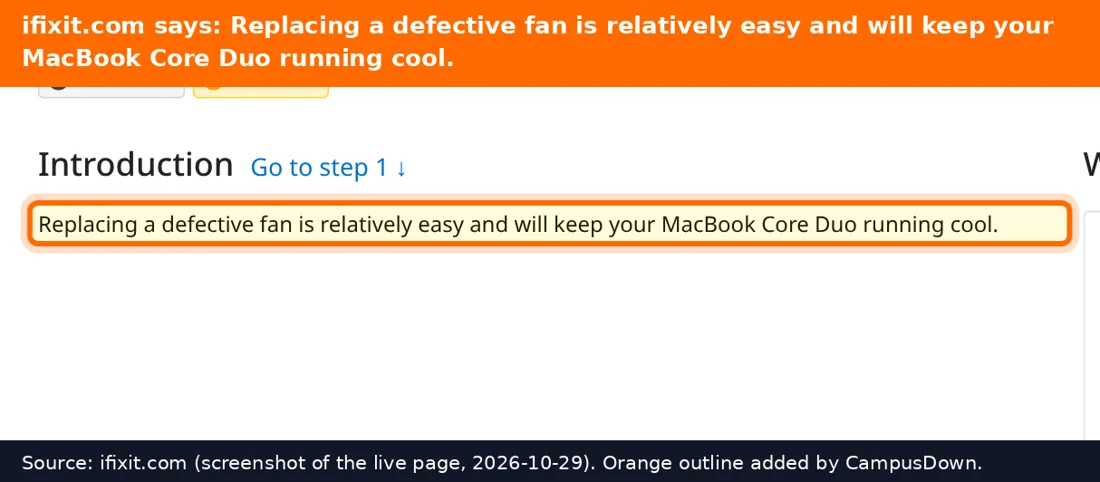
The iFixit Mac laptop hub has teardown and fan cleaning guides by model. Find your model under Apple menu, then About This Mac, before following any guide.
When it's more than noise
Book a repair if the fan makes grinding or clicking sounds, the Mac shuts down from heat, the bottom gets unusually hot, or the battery case looks swollen. A swollen battery is a stop-using-it situation. Campus IT or an Apple Store can check it. It's easy to put this off because the laptop still works, but that's normalcy bias talking.
Student budget angle
Before you pay for anything, try the free steps: quit apps, restart, update macOS, and fix airflow. Keep opportunity cost in mind for repairs too. Sometimes a repair quote is worth it and sometimes it isn't, depending on age.
Know someone staring at a repair right now? Send this their way.
Pick an app — it just sends the link, nothing else.
Frequently Asked Questions
Why is my MacBook fan loud when I'm not doing much?
Often a background app or browser tab is using a lot of CPU. Check Activity Monitor.
Does using a MacBook on a bed make it hotter?
Soft surfaces can block airflow. A hard surface usually helps.
Can I clean my MacBook fan myself?
Some models can be cleaned with a guide, but check warranty and AppleCare first.
When should I get my MacBook fan checked?
Grinding noise, heat shutdowns or a swollen battery mean get it checked.