My Switch Stopped Charging in the Dock Right Before a Game Night
Nintendo Switch not charging in the dock or with the cable? Check the adapter, try a hard reset, inspect the USB-C port, and know when to contact Nintendo.
“Almost cried fixing my own house. Learned to read every quote instead.”
Theology · Scripture Cards
Open a scripture card
Already read and shared by 315 people.
 The Sun of Righteousness
Malachi 4:2
But to you who fear my name shall the sun of righteousness arise with healing in its wings. You will go out and leap like calves of the…
Read this card
 I Am the Resurrection and the Life
John 11:25-26
Jesus said to her, “I am the resurrection and the life. He who believes in me will still live, even if he dies. Whoever lives and believes…
Read this card
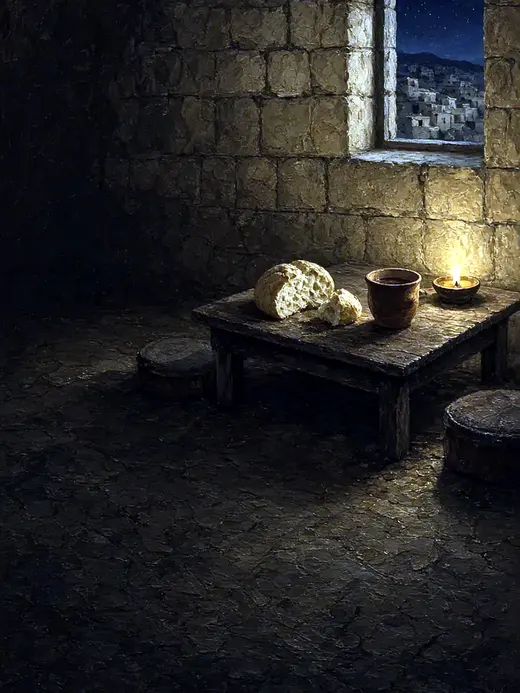 The New Covenant in My Blood
Luke 22:19-20
He took bread, and when he had given thanks, he broke and gave it to them, saying, “This is my body which is given for you. Do this in…
Read this card
 He Revealed His Glory
John 2:11
This beginning of his signs Jesus did in Cana of Galilee, and revealed his glory; and his disciples believed in him.
Read this card
 Meant for Good
Genesis 50:20
As for you, you meant evil against me, but God meant it for good, to save many people alive, as is happening today.
Read this card
 The Rainbow Covenant
Genesis 9:13, 16
I set my rainbow in the cloud, and it will be a sign of a covenant between me and the earth. … The rainbow will be in the cloud. I will…
Read this card
 I Am the Light of the World
John 8:12
Again, therefore, Jesus spoke to them, saying, “I am the light of the world. He who follows me will not walk in the darkness, but will have…
Read this card
 The Lord Will Fight for You
Exodus 14:13-14
Moses said to the people, “Don’t be afraid. Stand still, and see the salvation of Yahweh, which he will work for you today; for you will…
Read this card
Key Takeaways
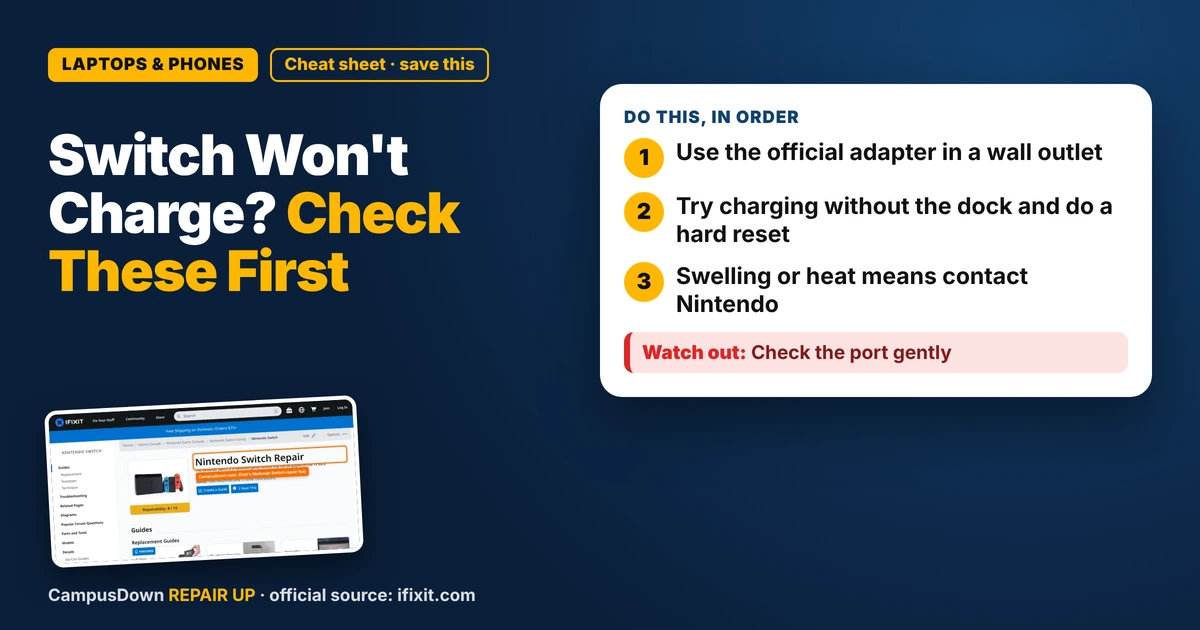
- Use the official adapter in a wall outlet.
- Try charging without the dock and do a hard reset.
- Swelling or heat means contact Nintendo.
Friends coming over, snacks ready, and the Switch is dead in the dock. If your Nintendo Switch is not charging in the dock, here's a fix order that starts with the free stuff.
Step 1: Use the official adapter
The Switch dock is picky about power. Nintendo's support pages recommend using the AC adapter that came with the console. Random phone chargers might not give the dock enough power, or might not work at all. Plug the adapter straight into a wall outlet, not a cheap power strip.
Step 2: Try charging without the dock
Plug the adapter directly into the console's USB-C port. If it charges this way but not in the dock, the dock or its connections are the issue. If it doesn't charge either way, the console, battery or port might be the problem.
Step 3: Hard reset
If the battery is fully drained, the Switch can take a bit before showing anything. Leave it plugged in for a while. Then hold the power button for about 12 seconds to turn it fully off, and press it again to turn it on. Nintendo support describes a similar power cycle for when the console isn't responding.
The iFixit Switch hub has guides for charging port problems, battery swaps, and other repairs, with photos.
Step 4: Dock settings and cables
Make sure the dock cable is fully plugged in at the back. Unplug everything, wait, plug in power first, then HDMI, then slide the console in. If you've had the Switch for years, the dock connector might be worn.
When it's a repair job
If it won't charge any way, the battery seems swollen, or the console gets hot while charging, stop and contact Nintendo support. Under warranty, opening it yourself is a bad idea. Out of warranty, iFixit guides exist for port and battery work, but they need tools and patience.
People keep using a failing device until it totally dies, which is the ostrich effect: ignoring bad news because it's uncomfortable. Weigh repair costs with opportunity cost in mind too. And remember you're more likely to remember the one horror story than the many simple fixes, thanks to the availability heuristic.
Found this helpful? Share it with a friend who’s dealing with the same mess.
Pick an app — it just sends the link, nothing else.
Frequently Asked Questions
Why is my Switch not charging in the dock?
Common causes include a non-official adapter, a loose dock cable, lint in the port, or a drained battery.
Can I charge my Switch with a phone charger?
It might work slowly or not at all. Nintendo recommends the official adapter.
How do I hard reset my Switch?
Hold the power button for about 12 seconds, then turn it back on.
When should I contact Nintendo?
If it won't charge any way, gets hot, or the battery looks swollen.