Phantom Power in a Dorm: How to Measure What Your Gadgets Use While Off
Phantom power in a dorm is the energy gadgets use while off or idle. Here's how to measure it with a plug-in meter and cut it with power strips. No guesses.
“Almost cried fixing my own house. Learned to read every quote instead.”
Theology · Scripture Cards
Open a scripture card
Already read and shared by 315 people.
 The Rainbow Covenant
Genesis 9:13, 16
I set my rainbow in the cloud, and it will be a sign of a covenant between me and the earth. … The rainbow will be in the cloud. I will…
Read this card
 Not My Will, but Yours
Luke 22:42
saying, “Father, if you are willing, remove this cup from me. Nevertheless, not my will, but yours, be done.”
Read this card
 Wings like Eagles
Isaiah 40:31
but those who wait for Yahweh will renew their strength. They will mount up with wings like eagles. They will run, and not be weary. They…
Read this card
 I Am with You Always
Matthew 28:20
teaching them to observe all things that I commanded you. Behold, I am with you always, even to the end of the age.” Amen.
Read this card
 Surely I Will Be with You
Judges 6:16
Yahweh said to him, “Surely I will be with you, and you shall strike the Midianites as one man.”
Read this card
 Peace, Be Still
Mark 4:39, 41
He awoke and rebuked the wind, and said to the sea, “Peace! Be still!” The wind ceased and there was a great calm. … They were greatly…
Read this card
 Unto Us a Child Is Born
Isaiah 9:6
For a child is born to us. A son is given to us; and the government will be on his shoulders. His name will be called Wonderful Counselor…
Read this card
 I Know That My Redeemer Lives
Job 19:25
But as for me, I know that my Redeemer lives. In the end, he will stand upon the earth.
Read this card
Key Takeaways
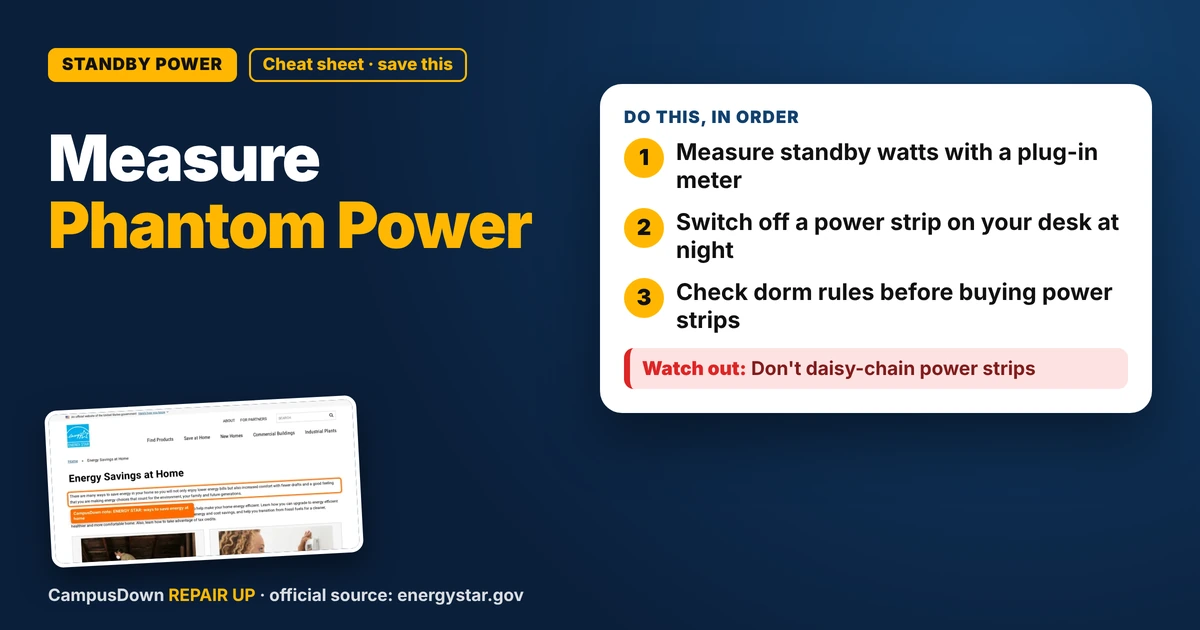
- Measure standby watts with a plug-in meter.
- Switch off a power strip on your desk at night.
- Check dorm rules before buying power strips.
Your dorm room has a mini fridge, a console, a monitor, two chargers, an LED strip and a speaker that glows blue all night. They're "off," but some of them are sipping power anyway. That's phantom power, also called standby power. In a dorm you might not pay the bill directly, but if you live off campus or want to be less wasteful, here's how to measure it.
What phantom power is
Lots of electronics use some power when they look off: remote standby, instant-on modes, clocks, glowing lights and chargers left in the wall. The exact amount varies a lot by device, so measure instead of guessing.
How to measure it
- Get a plug-in energy meter (some libraries and utilities lend them).
- Plug a device in through it and turn it "off" the way you normally do.
- Read the watts.
- Multiply: watts × 24 ÷ 1,000 = kWh per day.
- Multiply by your rate per kWh if you pay the bill.
Worksheet
| Device | Standby watts | kWh per day | Monthly kWh |
|---|---|---|---|
| Console | |||
| Monitor | |||
| TV | |||
| Speaker | |||
| Chargers | |||
| Total |
A labelled hypothetical: if your devices added up to 20 W in standby, that's 20 × 24 ÷ 1,000 = 0.48 kWh a day, or about 14.4 kWh a month. Use your own readings.
How to cut it
- Put a power strip with a switch on your desk setup and flip it off at night.
- Turn off instant-on or quick-start modes in console settings.
- Unplug chargers you're not using.
- Keep the fridge, router and anything that must stay on, on.
ENERGY STAR's energy savings at home page says there are many ways to save energy in your home, and its product finder can help you pick efficient electronics when you upgrade.
Why we ignore it
Standby power is invisible, so it doesn't feel like spending. That's mental accounting. The energy still becomes heat, heat transfer, which is why chargers and bricks feel warm. And for students paying their own bills, energy poverty makes every small leak count.
Dorm-specific notes
Many dorms have rules about appliances, extension cords and power strips. Check your housing handbook before buying anything. If outlets feel warm or a strip smells hot, unplug it if it's safe and report it to housing right away.
Final thought
Measure standby watts with a meter, do the × 24 math and switch off a power strip at night. Keep the essentials on and follow your dorm's rules.
If this saved you a headache, it might save a friend one too.
Pick an app — it just sends the link, nothing else.
Frequently Asked Questions
What is phantom power?
Energy electronics use while they appear off or idle, like standby modes, clocks and chargers in the wall.
How do I measure phantom power?
Use a plug-in energy meter, read the watts with the device off, then multiply by 24 ÷ 1,000 for kWh per day.
How do I reduce phantom power in a dorm?
Use a switched power strip, turn off instant-on modes and unplug unused chargers.
Are power strips allowed in dorms?
It depends on the school. Check your housing rules before using one.