My Printer Said "Offline" Ten Minutes Before My Assignment Was Due
Printer says offline but it's on and plugged in? Restart in the right order, check WiFi, remove stuck jobs, and reset the default printer before class.
“Almost cried fixing my own house. Learned to read every quote instead.”
Theology · Scripture Cards
Open a scripture card
Already read and shared by 315 people.
 My Heart Rejoices in the Lord
1 Samuel 2:1-2
Hannah prayed, and said, “My heart exults in Yahweh! My horn is exalted in Yahweh. My mouth is enlarged over my enemies, because I rejoice…
Read this card
 The Lord Will Fight for You
Exodus 14:13-14
Moses said to the people, “Don’t be afraid. Stand still, and see the salvation of Yahweh, which he will work for you today; for you will…
Read this card
 The Kingdom Belongs to Such as These
Mark 10:14, 16
But when Jesus saw it, he was moved with indignation and said to them, “Allow the little children to come to me! Don’t forbid them, for…
Read this card
 His Flesh Was Restored
2 Kings 5:14
Then he went down and dipped himself seven times in the Jordan, according to the saying of the man of God; and his flesh was restored like…
Read this card
 Salvation Is of the Lord
Jonah 2:6, 9
I went down to the bottoms of the mountains. The earth barred me in forever; yet you have brought my life up from the pit, Yahweh my God. ……
Read this card
 For Such a Time as This
Esther 4:14
For if you remain silent now, then relief and deliverance will come to the Jews from another place, but you and your father’s house will…
Read this card
 I Am the Resurrection and the Life
John 11:25-26
Jesus said to her, “I am the resurrection and the life. He who believes in me will still live, even if he dies. Whoever lives and believes…
Read this card
 Twelve Baskets Left Over
John 6:11, 13
Jesus took the loaves, and having given thanks, he distributed to the disciples, and the disciples to those who were sitting down, likewise…
Read this card
Key Takeaways
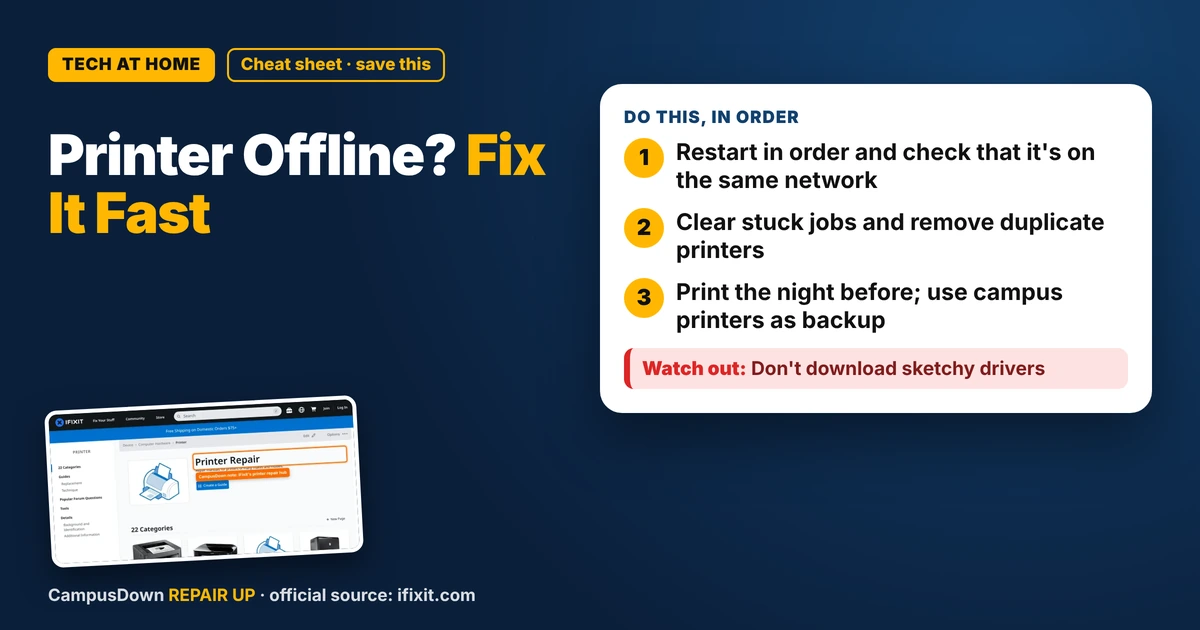
- Restart in order and check that it's on the same network.
- Clear stuck jobs and remove duplicate printers.
- Print the night before; use campus printers as backup.
It's 8:50, your paper is due at 9, and your printer says offline even though it's on. Classic. Before you throw it out the window, try these fixes. Most offline errors are connection or queue problems, not a broken printer.
Restart in order
- Turn off the printer.
- Restart your laptop.
- Restart your router if the printer uses WiFi.
- Turn the printer back on and wait for it to connect.
Annoying? Yes. Effective? Often. It clears temporary connection glitches on both sides.
Check the connection
- WiFi printer:* make sure it's on the same network as your laptop. Apartment WiFi with a guest network or a mesh setup can split devices.
- USB printer:* try another cable or port.
- Printer screen:* many printers show their WiFi status. If it says disconnected, reconnect it through the printer's settings.
The iFixit printer hub has troubleshooting and repair guides by brand. Searching your model there can surface fixes for weird error loops.
Clear stuck jobs
A stuck print job can jam the whole queue and make the printer look offline.
- Open your computer's printer settings.
- Open the print queue.
- Cancel all jobs, then try printing again.
Check the default printer and the "use offline" setting
On some computers, the printer can get set to "Use Printer Offline" or a different printer becomes the default. Check your printer settings and make sure the right printer is selected and not set to offline. If you see duplicate printers like "Printer (Copy 1)", try the other one.
Update or reinstall the driver
If all else fails, remove the printer from your computer and add it again. Download the driver or app from the manufacturer's official site. Avoid random driver download sites.
Backup plan for deadlines
Most campuses have library or lab printers, and many allow you to send print jobs from your laptop. Email the file to yourself or save it to the cloud so you can print anywhere. Also, email your professor before the deadline if you can't print. A quick, honest heads-up often goes further than a late paper with no message.
The planning fallacy is why we print at 8:50 for a 9:00 deadline. Print the night before, and give yourself room. Procrastination plus printers is a dangerous combo. And if you're tempted to buy a new printer right now in a panic, check that anchoring effect: the first price you see isn't always the deal it looks like.
Know someone staring at a repair right now? Send this their way.
Pick an app — it just sends the link, nothing else.
Frequently Asked Questions
Why does my printer say offline when it's on?
Common causes are WiFi disconnections, stuck print jobs, the wrong default printer, or an "offline" setting.
How do I get my printer back online?
Restart printer, laptop and router, clear the print queue, and check the printer's network connection.
Should I reinstall my printer driver?
If nothing else works, remove and re-add the printer using software from the manufacturer's official site.
What if my printer won't work before a deadline?
Use a campus library or lab printer, and email your professor early if needed.