The Lock Button on My Bathroom Door Stopped Locking
Bathroom door lock button not working? The privacy pin may be broken. What iFixit's pin swap involves, and why roommates should report it to the landlord first.
“Almost cried fixing my own house. Learned to read every quote instead.”
Theology · Scripture Cards
Open a scripture card
Already read and shared by 315 people.
 Today a Savior Is Born
Luke 2:10-11
The angel said to them, “Don’t be afraid, for behold, I bring you good news of great joy which will be to all the people. For there is born…
Read this card
 While He Was Still a Long Way Off
Luke 15:20, 22
“He arose and came to his father. But while he was still far off, his father saw him and was moved with compassion, and ran, fell on his…
Read this card
 This Is My Beloved Son
Matthew 3:16-17
Jesus, when he was baptized, went up directly from the water: and behold, the heavens were opened to him. He saw the Spirit of God…
Read this card
 I Am the Resurrection and the Life
John 11:25-26
Jesus said to her, “I am the resurrection and the life. He who believes in me will still live, even if he dies. Whoever lives and believes…
Read this card
 I Am with You Always
Matthew 28:20
teaching them to observe all things that I commanded you. Behold, I am with you always, even to the end of the age.” Amen.
Read this card
 Meant for Good
Genesis 50:20
As for you, you meant evil against me, but God meant it for good, to save many people alive, as is happening today.
Read this card
 Let There Be Light
Genesis 1:3-4
God said, “Let there be light,” and there was light. God saw the light, and saw that it was good. God divided the light from the darkness.
Read this card
 God So Loved the World
John 3:16
For God so loved the world, that he gave his only born Son, that whoever believes in him should not perish, but have eternal life.
Read this card
Key Takeaways
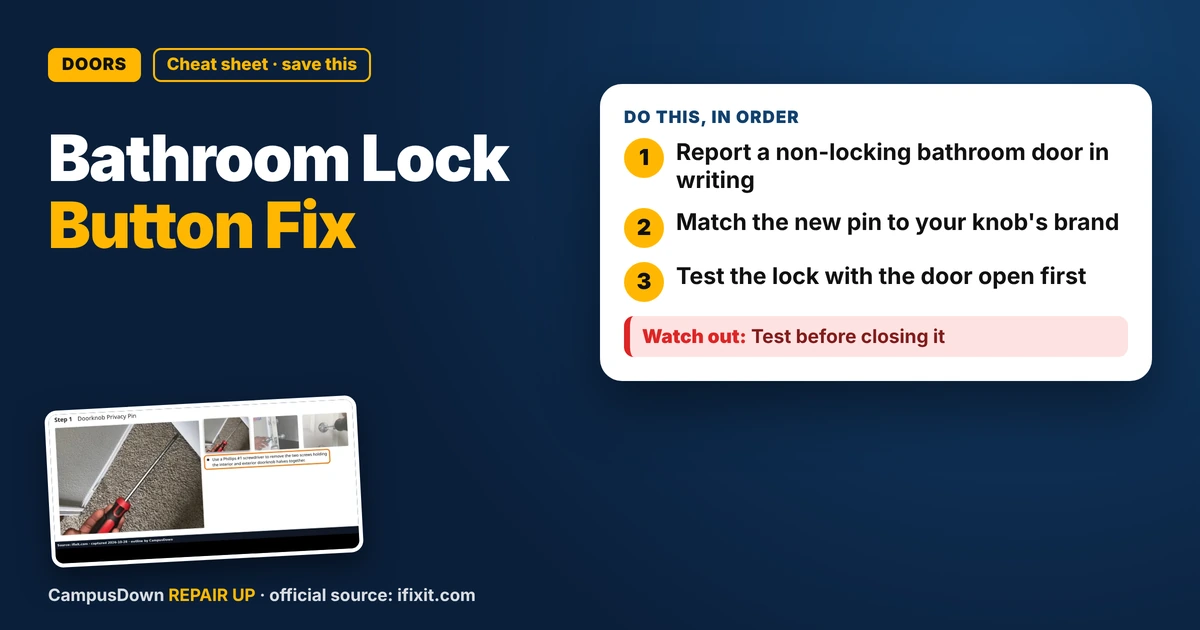
- Report a non-locking bathroom door in writing
- Match the new pin to your knob's brand
- Test the lock with the door open first
Living with three roommates and a bathroom door that doesn't lock is a special kind of stress. I press the little button on the knob, it clicks, and the door still opens from outside like nothing happened. If your bathroom door lock button is not working, the privacy pin might be broken, and iFixit has a guide for swapping it.
What a privacy pin is
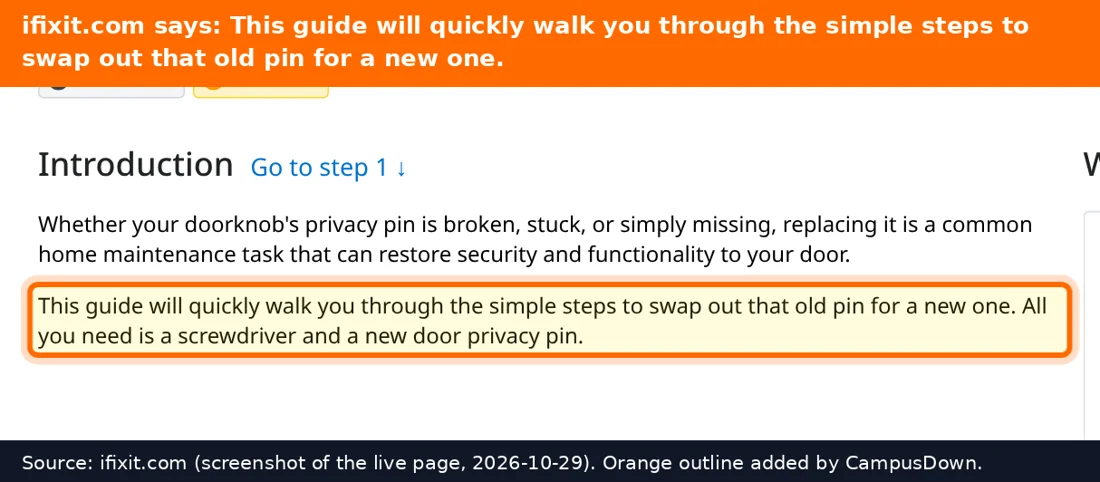
A privacy knob is the kind on bathroom and bedroom doors with a push button or turn button inside. iFixit's doorknob privacy pin guide says the pin can be broken, stuck, or missing, and replacing it restores the lock. The pin is a small threaded part on the latch mechanism or the interior knob assembly.
What the swap involves
The guide uses a Phillips #1 screwdriver and a new privacy pin, rated Moderate, around 15 minutes:
- Remove the two screws holding the inside and outside knob halves together
- Pull the halves apart so the spindle and latch are visible
- Unscrew and remove the old pin
- Screw in the new pin, snug but not so tight it strips the threads
- Line up the spindle with the latch and put the halves back together
- Replace the screws and test the lock several times
You need a pin that matches your knob brand and model, so take a photo of the old one.
Renter etiquette
Door hardware belongs to the landlord, and a non-locking bathroom in a shared unit is a fair maintenance request. Hypothetical message:
"The privacy lock on our bathroom door doesn't engage anymore. We share the unit, so could someone fix or replace the pin?"
If you get the okay to do it yourself, keep the old parts and screws together in a cup. And make sure there's an emergency release on the outside, the small hole many privacy knobs have, so a locked door can still be opened if needed.
Shared spaces create a tragedy of the commons effect: everyone notices the broken lock, no one reports it. Procrastination adds a few weeks. And optimism bias says nobody will walk in. Someone will.
While the knob is apart, take a quick look at the screws and the latch. If anything is cracked or the latch sticks, mention it in the same message, because one maintenance visit is better than two. And put the small screws in a cup immediately; they are exactly the size that disappears into bathroom floor drains and rugs.
Found this helpful? Share it with a friend who’s dealing with the same mess.
Pick an app — it just sends the link, nothing else.
Frequently Asked Questions
Why won't my bathroom door lock?
The privacy pin may be broken, stuck or missing, per iFixit.
How do I replace a doorknob privacy pin?
Remove the two knob screws, separate the halves, unscrew the old pin and install a new one.
What tool do I need?
iFixit's guide uses a Phillips #1 screwdriver.
Should renters fix the door lock themselves?
Report it first; door hardware belongs to the landlord.