My VR Headset Looked Like I Was Playing Through Fog
Quest 2 lenses blurry or foggy? Adjust the fit and lens spacing, clean with a dry microfiber cloth, stop fogging, and keep sunlight from burning the screens.
“Almost cried fixing my own house. Learned to read every quote instead.”
Theology · Scripture Cards
Open a scripture card
Already read and shared by 315 people.
 Be Strong and Courageous
Joshua 1:9
Haven’t I commanded you? Be strong and courageous. Don’t be afraid. Don’t be dismayed, for Yahweh your God is with you wherever you go.”
Read this card
 He Revealed His Glory
John 2:11
This beginning of his signs Jesus did in Cana of Galilee, and revealed his glory; and his disciples believed in him.
Read this card
 The Jar Was Not Empty
1 Kings 17:14, 16
For Yahweh, the God of Israel, says, ‘The jar of meal will not run out, and the jar of oil will not fail, until the day that Yahweh sends…
Read this card
 While He Was Still a Long Way Off
Luke 15:20, 22
“He arose and came to his father. But while he was still far off, his father saw him and was moved with compassion, and ran, fell on his…
Read this card
 The Lord, He Is God
1 Kings 18:38-39
Then Yahweh’s fire fell and consumed the burnt offering, the wood, the stones, and the dust; and it licked up the water that was in the…
Read this card
 He Is Not Here, He Has Risen
Matthew 28:5-6
The angel answered the women, “Don’t be afraid, for I know that you seek Jesus, who has been crucified. He is not here, for he has risen…
Read this card
 Not My Will, but Yours
Luke 22:42
saying, “Father, if you are willing, remove this cup from me. Nevertheless, not my will, but yours, be done.”
Read this card
 Hosanna to the Son of David
Matthew 21:9
The multitudes who went in front of him, and those who followed, kept shouting, “Hosanna to the son of David! Blessed is he who comes in…
Read this card
Key Takeaways
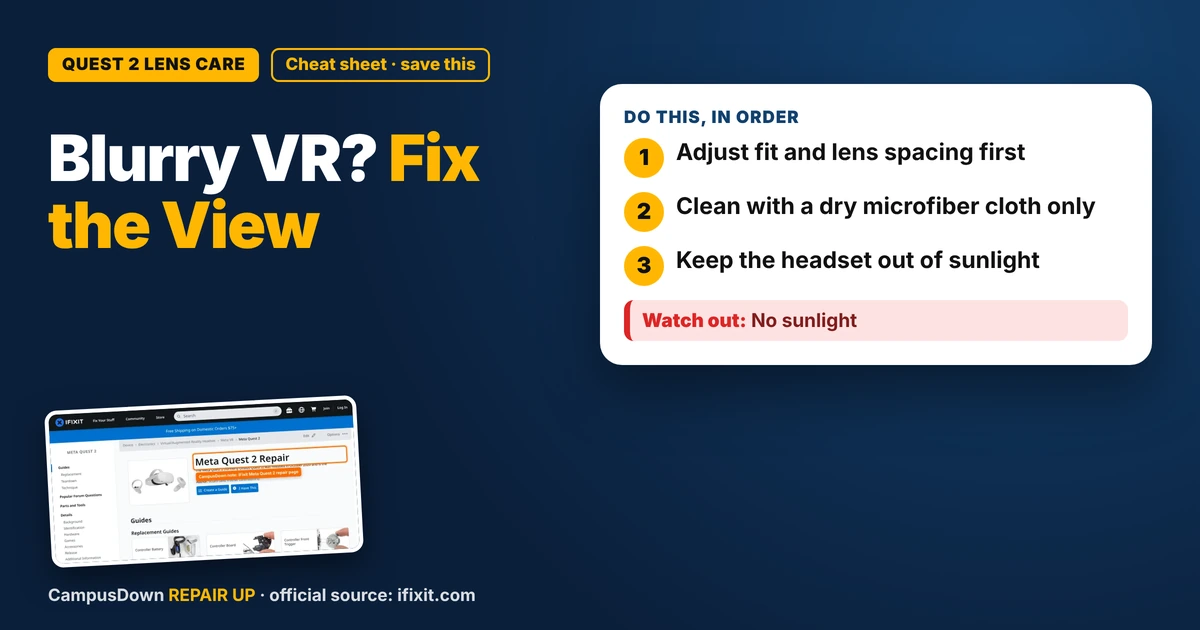
- Adjust fit and lens spacing first.
- Clean with a dry microfiber cloth only.
- Keep the headset out of sunlight.
VR is my cheap vacation. No plane tickets, no hotel, just me in my tiny apartment pretending I'm on a mountain or in a boxing ring. But lately everything looked smudgy, like I was playing through a foggy window. If your Quest 2 lenses are blurry, it's usually fit, lens spacing, smudges, or fog. Fixing it takes a few minutes, but you have to be gentle, because those lenses scratch easily.
Step 1: Fix the fit
A lot of blur comes from the headset sitting in the wrong spot on your face.
- Loosen the straps.
- Move the headset up and down on your face until text looks sharpest.
- Tighten the side and top straps so it stays there.
The sharp zone in VR lenses is small, so even a little sliding can make things blurry.
Step 2: Adjust lens spacing
The Quest 2 has a few lens spacing positions. Gently slide the lenses left or right to the setting that looks clearest for your eyes. Meta's setup guide explains the positions. If you know your eye spacing measurement from an eye exam, that can help you pick the right setting.
Step 3: Clean the lenses the right way
This is where people mess up.
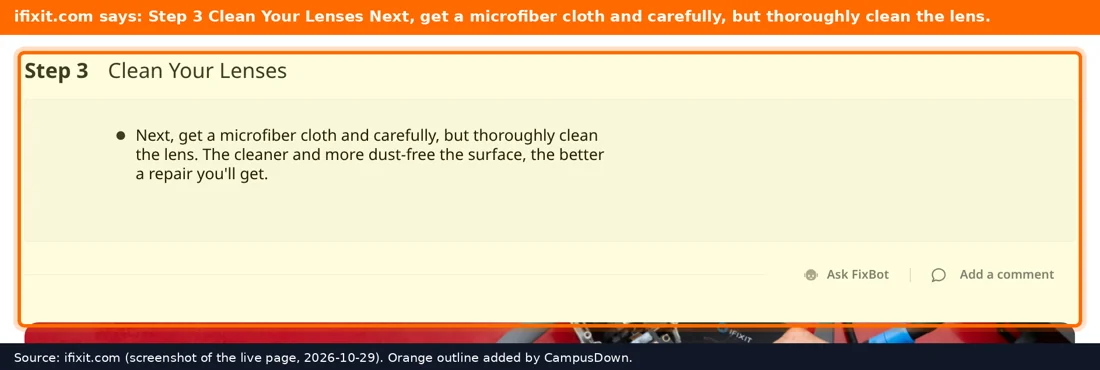
- Use a dry, clean microfiber cloth, like the kind for glasses.
- Wipe gently in circles from the center outward.
- Don't* use paper towels, tissues, or your shirt. They can scratch.
- Don't* spray liquid directly on the lenses.
Step 4: Stop the fog
Fog happens when your warm face meets cooler lenses. Let the headset warm up for a minute before putting it on, and give the room some airflow. Taking a short break during intense games helps too.
Wearing glasses?
Glasses can scratch the lenses if they rub. Use the glasses spacer that came with the headset, or look into prescription lens inserts made for VR.
When it's not a cleaning issue
If you see scratches, dead pixels, or the display won't turn on, cleaning won't fix it. iFixit's Meta Quest 2 page has repair info, but VR internals are delicate. Contact Meta support if it's under warranty.
Why VR blur bugs our brains
Blurry visuals in VR can make you feel off, partly because your eyes and body are getting mixed signals. When we wipe the lenses with whatever is nearby, it's a little hyperbolic discounting: quick fix now, scratches later. Focusing light through lenses is basic optics, the same idea behind why sunlight can burn the screen, kind of like a magnifying glass. And trying fit and spacing before buying anything new is classic Occam's razor. We also tend to assume we'll notice damage early, which is optimism bias.
Healthy VR habits
- Take breaks every so often.
- Clear your play space so you don't hit walls or furniture.
- Wipe the face cover so it stays clean.
- Keep the headset charged and stored indoors.
Know someone staring at a repair right now? Send this their way.
Pick an app — it just sends the link, nothing else.
Frequently Asked Questions
Why are my Quest 2 lenses blurry?
Common reasons are fit, lens spacing, smudges, or fog.
How do I clean my Quest 2 lenses?
Use a dry, clean microfiber cloth and wipe gently from the center outward.
Can sunlight damage my VR headset?
Yes. Lenses can focus sunlight onto the screens and damage them.
Can I wear glasses with the Quest 2?
Yes, with the glasses spacer, but be careful not to scratch the lenses.