My Tablet Died Mid-Lecture and I Took It Personally
Tablet battery draining fast during class? Check screen brightness, background apps, updates, and battery health before you spend money on a new one.
“Almost cried fixing my own house. Learned to read every quote instead.”
Theology · Scripture Cards
Open a scripture card
Already read and shared by 315 people.
 The Lord Will Provide
Genesis 22:14
Abraham called the name of that place “Yahweh Will Provide”. As it is said to this day, “On Yahweh’s mountain, it will be provided.”
Read this card
 I Will Put Breath in You
Ezekiel 37:5-6
The Lord Yahweh says to these bones: “Behold, I will cause breath to enter into you, and you will live. I will lay sinews on you, and will…
Read this card
 For Such a Time as This
Esther 4:14
For if you remain silent now, then relief and deliverance will come to the Jews from another place, but you and your father’s house will…
Read this card
 A Fourth Walking in the Fire
Daniel 3:25
He answered, “Look, I see four men loose, walking in the middle of the fire, and they are unharmed. The appearance of the fourth is like a…
Read this card
 The Lord, He Is God
1 Kings 18:38-39
Then Yahweh’s fire fell and consumed the burnt offering, the wood, the stones, and the dust; and it licked up the water that was in the…
Read this card
 This Is My Beloved Son
Matthew 3:16-17
Jesus, when he was baptized, went up directly from the water: and behold, the heavens were opened to him. He saw the Spirit of God…
Read this card
 Look and Live
Numbers 21:8-9
Yahweh said to Moses, “Make a venomous snake, and set it on a pole. It shall happen that everyone who is bitten, when he sees it, shall…
Read this card
 Your God, My God
Ruth 1:16
Ruth said, “Don’t urge me to leave you, and to return from following you, for where you go, I will go; and where you stay, I will stay.…
Read this card
Key Takeaways
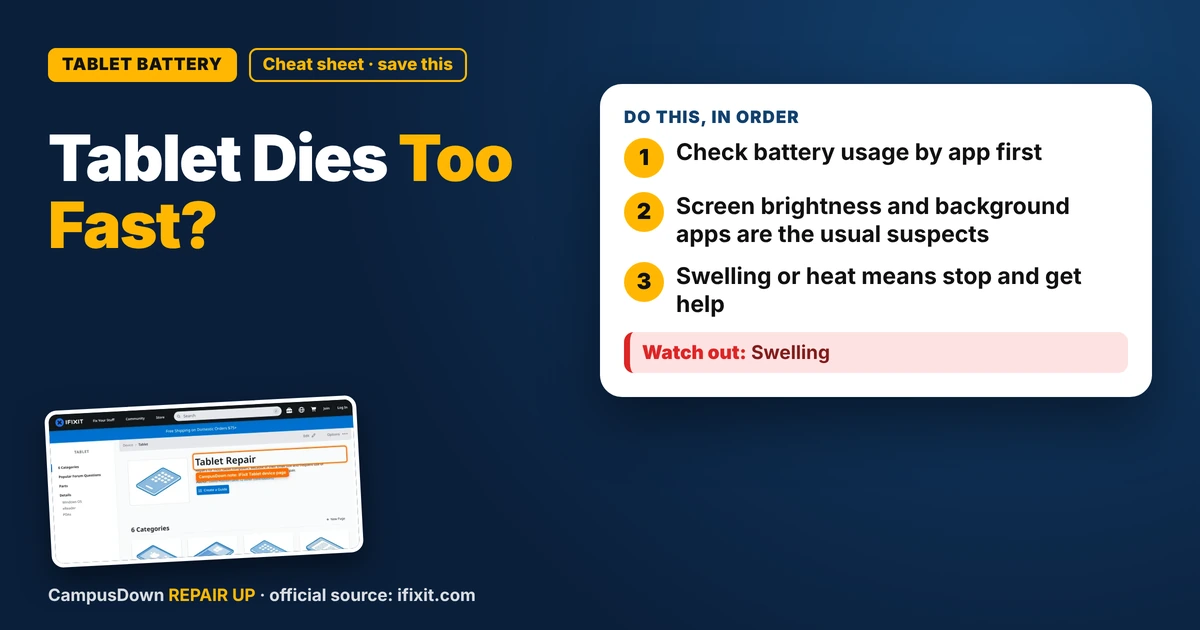
- Check battery usage by app first.
- Screen brightness and background apps are the usual suspects.
- Swelling or heat means stop and get help.
My tablet is my notebook, my textbook, and my late-night streaming device. So when the tablet battery started draining fast, it felt like a betrayal. It died halfway through a lecture, right when the professor said "this will be on the exam." Here's what I'd check before panic-buying a new one.
Step 1: Check what's using the battery
Most tablets have a battery section in settings that shows which apps use the most. Look for apps you barely opened that still show high usage. Streaming, games, and video calls are heavy. Something you didn't expect at the top is a clue.
Step 2: Dial down the screen
- Lower brightness or turn on auto-brightness.
- Shorten the screen timeout.
- Use dark mode if your device supports it.
The screen is usually one of the biggest power users. Squinting a little in class is worth it.
Step 3: Background activity
Turn off background refresh for apps that don't need it. Turn off location for apps that have no business knowing where you are. Close Bluetooth if you're not using a stylus or earbuds.
Step 4: Update and restart
An update can fix bugs that drain power, and a restart clears stuck processes. It's the "have you tried turning it off and on" move, but it's popular for a reason.
Where to look for repair info
The iFixit Tablet device page collects repair guides and troubleshooting for many tablet brands and models. If your battery is truly worn out, that's where you can see whether a battery swap is realistic for your model or way above your skill level.
Why we jump to buying new
When something breaks at the worst moment, we overreact. That's negativity bias. We also believe we'll fix it later and never do, which is procrastination. And the "new tablet will fix my life" fantasy is the Diderot effect waiting to happen: new tablet, new case, new stylus, new keyboard, empty bank account.
When it's time for a repair shop
- Battery health is low and the drain is still bad after tweaks.
- It shuts off at random percentages.
- It only works when plugged in.
- It gets hot while doing basic stuff.
Survive the semester
Carry a small charger and cable. Sit near outlets when you can. Download readings so you don't stream them. And keep a paper notebook as backup, because nothing makes you look more prepared than a pen when your tech fails.
Know someone staring at a repair right now? Send this their way.
Pick an app — it just sends the link, nothing else.
Frequently Asked Questions
Why is my tablet battery draining so fast?
Common causes include a bright screen, background apps, location services, or an aging battery.
How do I check tablet battery usage?
Look in the battery section of settings to see which apps use the most power.
Can a tablet battery be replaced?
On many models, yes, but difficulty varies. Check repair guides for your model.
Is a swollen tablet battery dangerous?
It can be. Stop charging and using the device and get it checked.