My Thrifted TV Had a Picture but Zero Sound. Here's What I Checked
TV picture works but there's no sound? Check mute, output settings, HDMI and Bluetooth before you panic. Simple steps for a dorm or apartment TV setup.
“Almost cried fixing my own house. Learned to read every quote instead.”
Theology · Scripture Cards
Open a scripture card
Already read and shared by 315 people.
 He Revealed His Glory
John 2:11
This beginning of his signs Jesus did in Cana of Galilee, and revealed his glory; and his disciples believed in him.
Read this card
 The Kingdom Belongs to Such as These
Mark 10:14, 16
But when Jesus saw it, he was moved with indignation and said to them, “Allow the little children to come to me! Don’t forbid them, for…
Read this card
 The Sun of Righteousness
Malachi 4:2
But to you who fear my name shall the sun of righteousness arise with healing in its wings. You will go out and leap like calves of the…
Read this card
 This Is My Beloved Son
Matthew 3:16-17
Jesus, when he was baptized, went up directly from the water: and behold, the heavens were opened to him. He saw the Spirit of God…
Read this card
 I AM WHO I AM
Exodus 3:14
God said to Moses, “I AM WHO I AM,” and he said, “You shall tell the children of Israel this: ‘I AM has sent me to you.’ ”
Read this card
 I Am with You
Genesis 28:15
Behold, I am with you, and will keep you, wherever you go, and will bring you again into this land. For I will not leave you until I have…
Read this card
 Salvation Is of the Lord
Jonah 2:6, 9
I went down to the bottoms of the mountains. The earth barred me in forever; yet you have brought my life up from the pit, Yahweh my God. ……
Read this card
 Surely I Will Be with You
Judges 6:16
Yahweh said to him, “Surely I will be with you, and you shall strike the Midianites as one man.”
Read this card
Key Takeaways
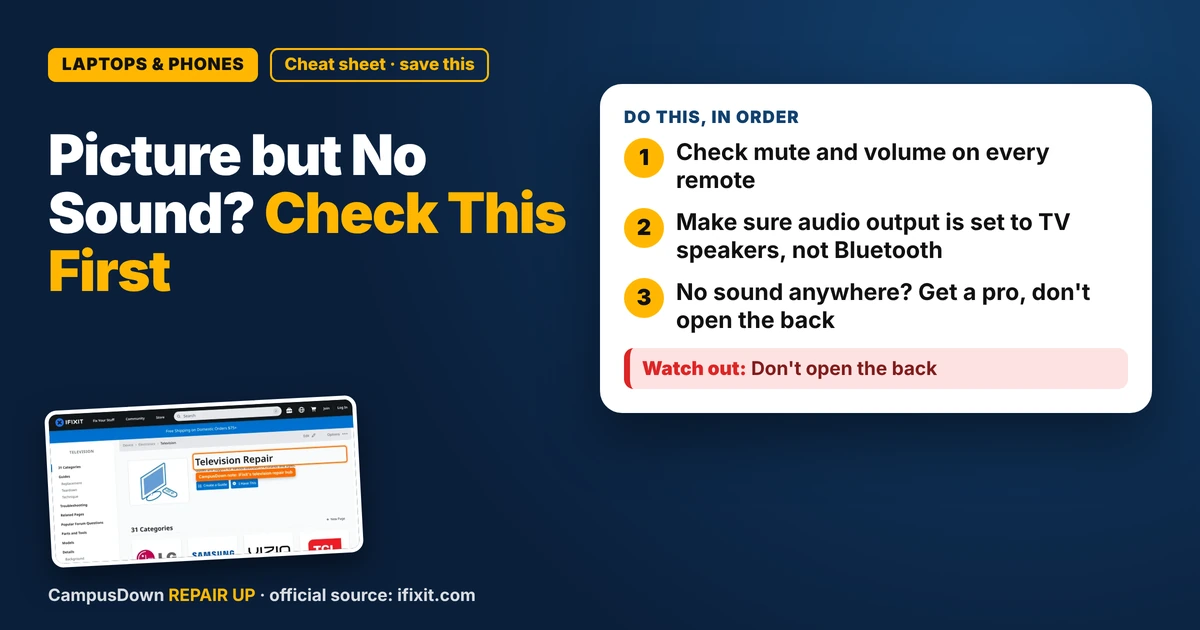
- Check mute and volume on every remote.
- Make sure audio output is set to TV speakers, not Bluetooth.
- No sound anywhere? Get a pro, don't open the back.
Movie night, snacks out, picture looks great, and then... silence. If your TV has picture but no sound, don't toss it yet. Most of the time it's a setting, a cable, or some device hijacking the audio. Here's how to fix it in the order that wastes the least time.
Start with the dumb stuff (no shame)
- Mute and volume.* Press mute on the TV remote and on any cable box or streaming stick remote. Each one can have its own volume.
- Try another app or input.* If sound works on one app but not another, the TV speakers are fine and the problem is that source.
- Restart everything.* Unplug the TV from the wall for a minute, then plug it back in. Do the same for the streaming stick.
Weirdly, our brains skip these steps because they feel too simple. It's a little bit of overconfidence bias. We assume we're above checking mute. We are not.
Check where the sound is going
Modern TVs can send audio to lots of places: built-in speakers, a soundbar, HDMI ARC, optical out, or Bluetooth headphones. If the output got switched, the TV will happily send sound to a speaker that isn't there.
- Open the TV's sound or audio settings and set the output to the TV speakers.
- Turn off Bluetooth on the TV, or forget old headphones. Previous owners often leave a pairing behind.
- If something is plugged into the headphone jack, unplug it. On some TVs that cuts the speakers.
The iFixit TV hub has troubleshooting threads and guides by brand. Search your exact model number, which is usually on a sticker on the back.
HDMI and cable problems
If you use a streaming stick or game console over HDMI, reseat the cable at both ends. Try a different HDMI port and a different cable if you have one. Some devices also have their own audio settings, like surround formats the TV can't play. Setting the device to plain stereo is worth a shot.
When it's actually hardware
If you get no sound from every input, the speakers are set correctly, and even the TV's own menu sounds are silent, it might be a speaker or board problem. Some fixes inside TVs are doable, but the inside of a TV can hold power, and screens break easily. That's a job for a repair shop or the manufacturer's support, especially if it's under warranty. Before paying, weigh the quote against a cheap replacement. That's just opportunity cost thinking. And don't get stuck because you already spent money on it. That's the sunk cost trap.
A cheap workaround
While you sort it out, plugging headphones or a cheap speaker into the headphone jack or optical port can save movie night. Not glamorous, but it works.
Found this helpful? Share it with a friend who’s dealing with the same mess.
Pick an app — it just sends the link, nothing else.
Frequently Asked Questions
Why does my TV have picture but no sound?
Usually mute, audio output going to Bluetooth or a soundbar, or a source device setting. Check those first.
How do I switch audio back to TV speakers?
Open the TV's sound settings and set the output to internal or TV speakers.
Can a bad HDMI cable cause no sound?
Yes, it can. Reseat it or try another cable and port.
Should I open my TV to fix the speakers?
No. Internal parts can stay dangerous. Use a repair shop or manufacturer support.