My Xbox Controller Has Stick Drift and My Character Walks Into Walls
Xbox controller stick drift ruining your game? Try updates, cleaning, and deadzone settings, check warranty, then decide on a DIY repair or replacement.
“Almost cried fixing my own house. Learned to read every quote instead.”
Theology · Scripture Cards
Open a scripture card
Already read and shared by 315 people.
 Let There Be Light
Genesis 1:3-4
God said, “Let there be light,” and there was light. God saw the light, and saw that it was good. God divided the light from the darkness.
Read this card
 Peace, Be Still
Mark 4:39, 41
He awoke and rebuked the wind, and said to the sea, “Peace! Be still!” The wind ceased and there was a great calm. … They were greatly…
Read this card
 Look and Live
Numbers 21:8-9
Yahweh said to Moses, “Make a venomous snake, and set it on a pole. It shall happen that everyone who is bitten, when he sees it, shall…
Read this card
 He Revealed His Glory
John 2:11
This beginning of his signs Jesus did in Cana of Galilee, and revealed his glory; and his disciples believed in him.
Read this card
 Meant for Good
Genesis 50:20
As for you, you meant evil against me, but God meant it for good, to save many people alive, as is happening today.
Read this card
 I Know That My Redeemer Lives
Job 19:25
But as for me, I know that my Redeemer lives. In the end, he will stand upon the earth.
Read this card
 This Is My Beloved Son
Matthew 3:16-17
Jesus, when he was baptized, went up directly from the water: and behold, the heavens were opened to him. He saw the Spirit of God…
Read this card
 The Kingdom Belongs to Such as These
Mark 10:14, 16
But when Jesus saw it, he was moved with indignation and said to them, “Allow the little children to come to me! Don’t forbid them, for…
Read this card
Key Takeaways
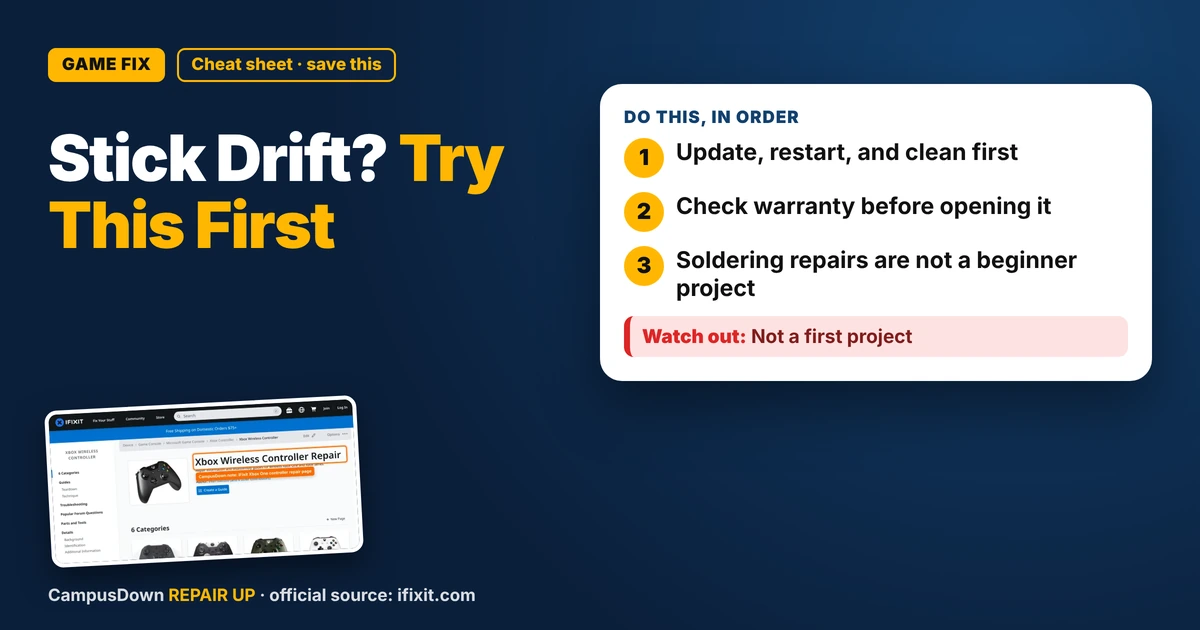
- Update, restart, and clean first.
- Check warranty before opening it.
- Soldering repairs are not a beginner project.
Nothing ruins a late-night session like your character slowly strolling toward a cliff while your thumbs are nowhere near the stick. If you're searching for an Xbox controller stick drift fix on a budget, take a breath. You've got a few cheap moves before spending real money.
What stick drift actually is
Drift is when the console reads stick movement even when you're not touching it. Dust, worn parts inside the stick module, or just plain wear from a lot of play can cause it. Some fixes help, some don't, and that's fine. The point is to try the free ones first.
Step 1: The free stuff
- Update the controller.* Use the Xbox Accessories app on the console or a PC to check for a firmware update.
- Restart everything.* Turn off the console fully, unplug it for a minute, then turn it back on.
- Try another game.* If drift only shows up in one game, check that game's settings first.
- Test the controller on another device* if you can, to rule out the console.
Step 2: Gentle cleaning
Turn the controller off and pull the batteries.
- Rotate the stick in a full circle and use short bursts of compressed air around the base.
- Some people use a little isopropyl alcohol on a cotton swab around the stick base, then rotate it while it dries. Use only a tiny bit, never pour it.
- Let it dry fully before putting batteries back in.
Step 3: Check warranty before opening it
If the controller is newer, check the warranty status on your Microsoft account before doing anything inside. Opening it up can complicate a claim.
Step 4: DIY repair, if you're up for it
iFixit's Xbox One controller page has teardown and replacement guides, including the thumbstick parts. Some stick replacements need soldering, which is a real skill. Be honest with yourself about that.
Why we keep playing with a broken stick
Adjusting your play style around drift instead of fixing it is the status quo bias. Feeling extra attached to "my" controller is the endowment effect. And blaming the controller for every loss, even the ones that were all you? That's self-serving bias. Be honest, some of those were skill issues.
Budget math
- Free: update, restart, clean, deadzone.
- Cheap: replacement thumbstick caps if they're worn, though that won't fix internal drift.
- Medium: a stick module and tools if you can solder.
- Higher: a new controller. Compare used or refurbished options.
Know someone staring at a repair right now? Send this their way.
Pick an app — it just sends the link, nothing else.
Frequently Asked Questions
What causes Xbox controller stick drift?
Dust, wear inside the stick module, or heavy use can make the console read movement when you're not touching the stick.
Can I fix stick drift without opening the controller?
Try updating firmware, restarting, cleaning around the stick base, and raising the in-game deadzone.
Will opening my controller void the warranty?
It may affect a claim. Check your warranty status with Microsoft first.
Is replacing the thumbstick hard?
iFixit has guides, but some replacements require soldering, which takes practice.